
Spline
  • Customers
  • Enterprise
  • Pricing
Talk to salesStart building
  1. Academy
  2. Tutorials
  3. Improve Realism by Adding Soft Shadows

Improve Realism by Adding Soft Shadows

Spline 3DBeginner3 min

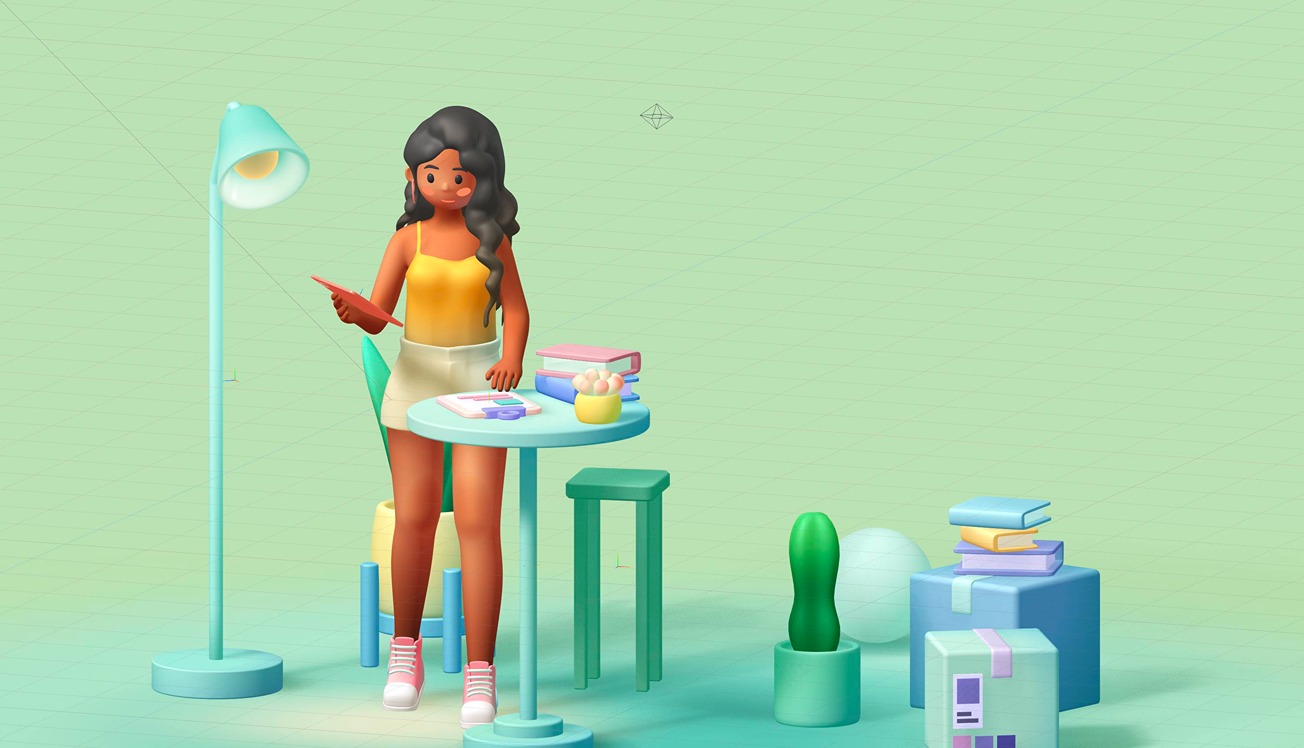
In this quick tutorial, you will learn how to use the new Soft Shadows feature to increase the realism of your 3D scenes.
What you’ll learn

  1. 0:00Introduction
  2. 0:20Changing the penumbra settings for shadows
  3. 1:10Shadow detail
  4. 1:42Enabling shadows in your scenes
  5. 2:00Understanding the blur parameter

Related resources

  • Room - Girl ReadingTemplate
  • Soft ShadowsDocument

Overview

  • Spline 3D
  • 3 min
  • Beginner

Part of

  • Lights, Camera & Effects

Related tutorials

All tutorials
Set Up Photo Studio Lighting for 3D Scenes

Spline 3DBeginner6 min

Refine & Style 3D Icons with Materials

Spline 3DBeginner9 min

Build a Dark Interactive Keyboard in 3D

Spline 3DIntermediate16 min

Spline

The 3D and 2D editor for teams and their agents. Ship to the web, iOS and Android.

Ask AI about Spline

Products

  • 3D Design
  • Hana
  • Omma
  • AI 3D Generation
  • Spline MCP
  • Pricing
  • Enterprise

Runtimes

  • Web
  • iOS
  • Android

Apps

  • Download
  • Spline Mirror
  • Download Spline Mirror

Learn

  • Docs
  • Academy
  • Spline API
  • Solutions

Community

  • Spline Community
  • Blog
  • Changelog
  • Education
  • Contra
  • Affiliate

Company

  • Customers
  • Careers
  • Security

Legal

  • Terms & Conditions
  • Privacy

Contact

  • help@spline.design
  • jobs@spline.design
© 2026 - Spline, Inc.