
Spline
  • Customers
  • Enterprise
  • Pricing
Talk to salesStart building
  1. Academy
  2. Courses
  3. Lights, Camera & Effects
  4. Improve Realism by Adding Soft Shadows

Improve Realism by Adding Soft Shadows

Lesson 8 of 8Spline 3DBeginner3 min

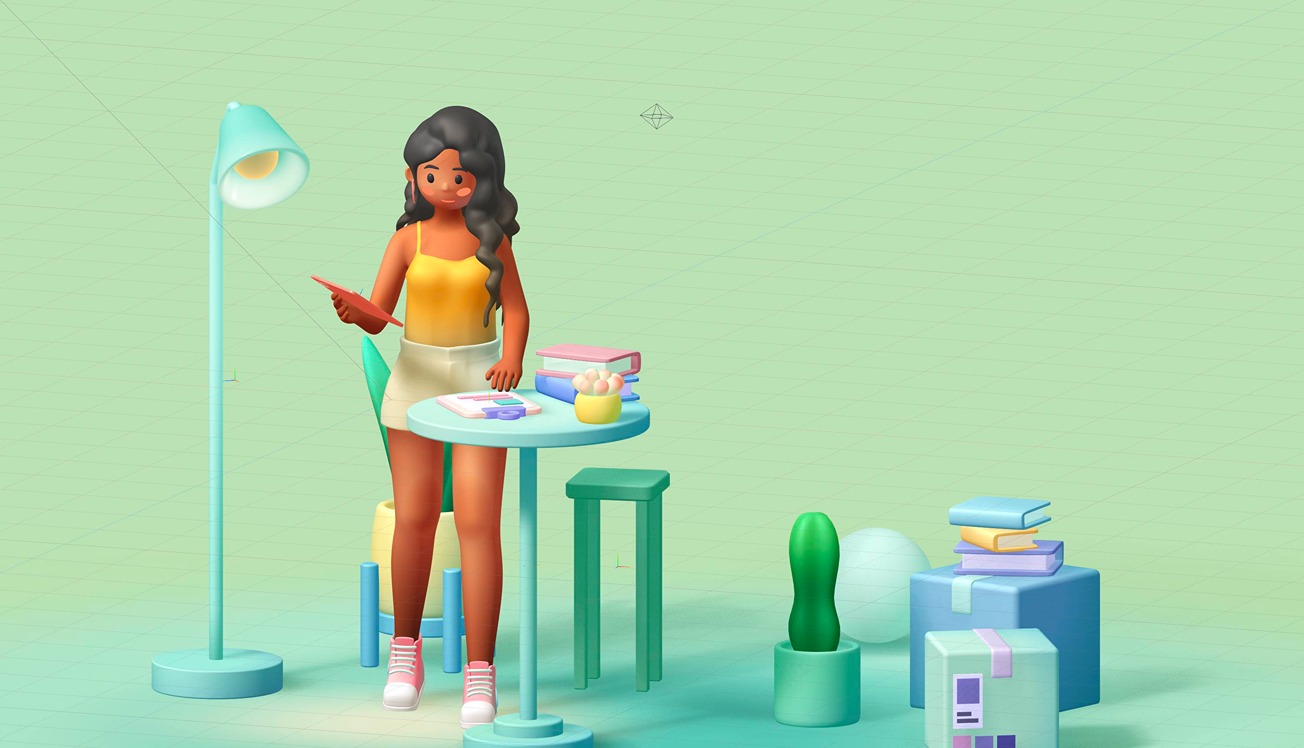
In this quick tutorial, you will learn how to use the new Soft Shadows feature to increase the realism of your 3D scenes.
What you’ll learn

  1. 0:00Introduction
  2. 0:20Changing the penumbra settings for shadows
  3. 1:10Shadow detail
  4. 1:42Enabling shadows in your scenes
  5. 2:00Understanding the blur parameter

Related resources

  • Room - Girl ReadingTemplate
  • Soft ShadowsDocument

Overview

  • Spline 3D
  • 3 min
  • Beginner

Last lesson

That’s the end of Lights, Camera & Effects.

Back to the course
Spline

The 3D and 2D editor for teams and their agents. Ship to the web, iOS and Android.

Ask AI about Spline

Products

  • 3D Design
  • Hana
  • Omma
  • AI 3D Generation
  • Spline MCP
  • Pricing
  • Enterprise

Runtimes

  • Web
  • iOS
  • Android

Apps

  • Download
  • Spline Mirror
  • Download Spline Mirror

Learn

  • Docs
  • Academy
  • Spline API
  • Solutions

Community

  • Spline Community
  • Blog
  • Changelog
  • Education
  • Contra
  • Affiliate

Company

  • Customers
  • Careers
  • Security

Legal

  • Terms & Conditions
  • Privacy

Contact

  • help@spline.design
  • jobs@spline.design
© 2026 - Spline, Inc.