 Spline
3D in the classroom, for students and educators
Learn and teach 3D design together, in real time, in the browser. Students and educators get a discount on paid plans.
Students and educators from top universities use Spline


The education discount in three steps
Sign up with your school email, tell us a little about your course, then upgrade with your discount.
- 01
Sign up for Spline
Create a free account with your school or university email.
Create an account - 02
Apply for the discount
Tell us whether you’re a student or an educator, with a few details so we can verify your education status.
Apply - 03
Upgrade your account
Use your education discount to upgrade, and unlock the features of a paid plan.
Upgrade
Learn 3D together, in real time
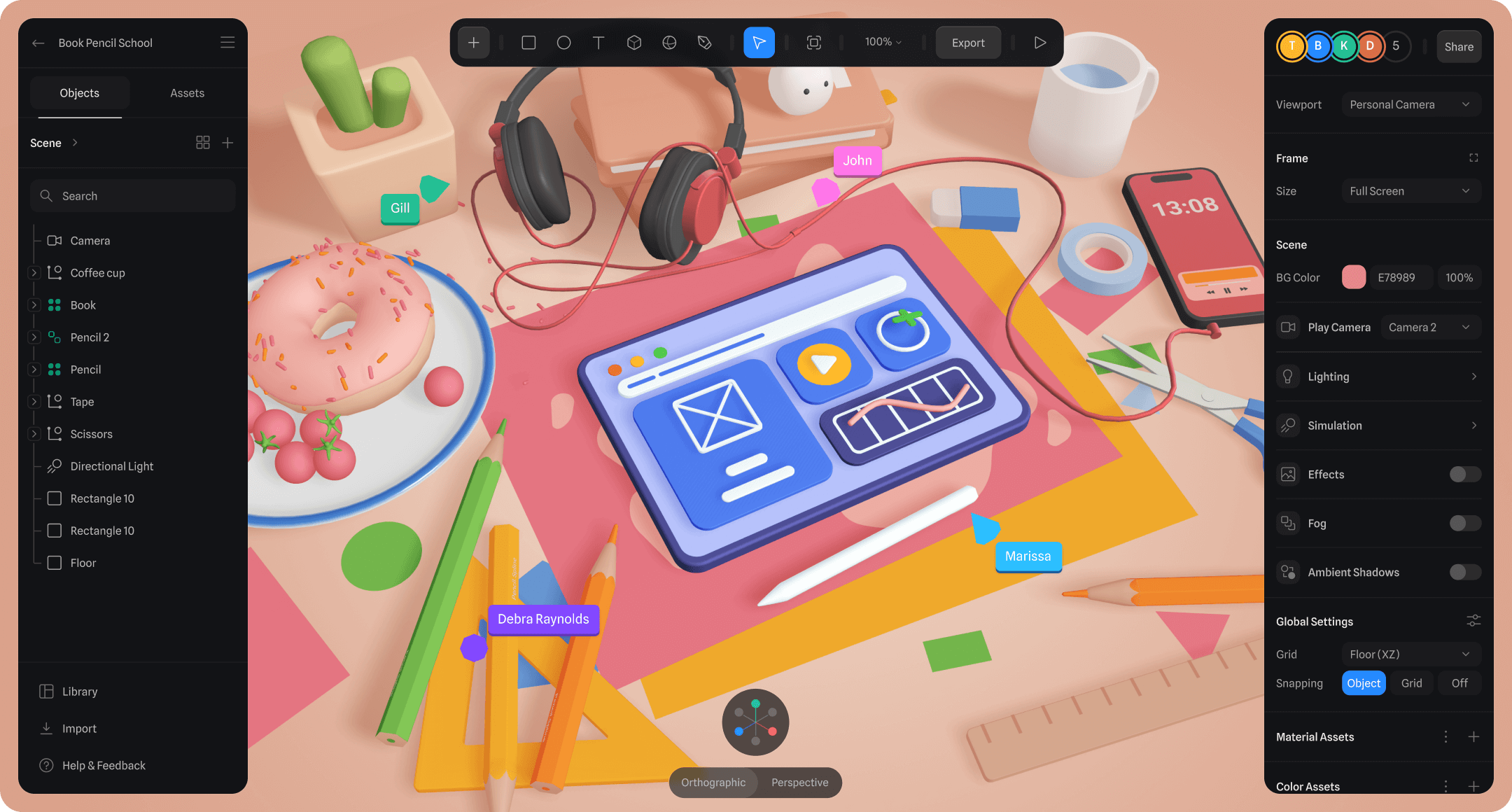
One file the whole class can open: everyone’s cursor on the same scene, from any browser.
Unleash your creativity with 3D
Design, animation, health, architecture and fashion all work in 3D, and students can learn it from their first project.
Collaborate in the classroom
Explore and experiment together with real-time collaboration, and push the boundaries of design with 3D.
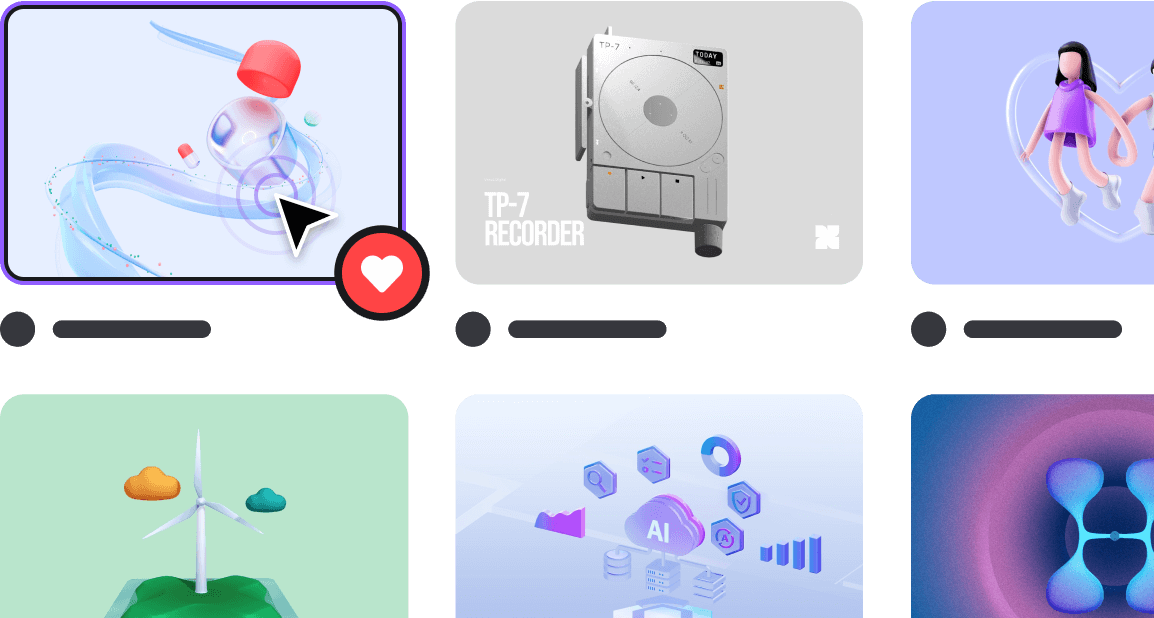
Everything you need to get started
Questions, answered
Can I use Spline for free?
Yes, totally! Spline has a free plan. You’ll have limited personal files to get started and unlimited file viewers. You also have access to the Spline Templates and can publish your scenes with a Spline logo.
Why should I upgrade to a Hobby, Pro or Max workspace?
With Hobby you are able to create unlimited 3D & 2D files, export for the Web without the Spline logo, gain access to Spline’s Material and Sound libraries and import videos and use them as material layers.
With Pro you have everything from Hobby plus you are able to organise your scenes in unlimited folders and projects, create unlimited scenes in files and export video. You’ll unlock Apple and Android exports without the logo, exporting for iOS AR (USDZ) and exporting for 3D Printing (STL), plus a higher amount of monthly AI credits.
With Max you get everything from Pro plus 10,000 AI credits per seat per month, the highest credit limits for AI features and priority support.
What payment methods can I use?
We accept all major credit cards.
How can I cancel my subscription?
You can cancel your subscription in your account settings by clicking “Cancel Plan”. If you cancel your subscription you will still have access to your plan benefits until the end of the active billing period. We do not provide prorated refunds if you cancel after starting a new billing cycle.
Can I change from monthly to yearly?
You can change your subscription recurrence from monthly to yearly in your account settings. You’ll be billed for the yearly price when your current billing period ends.
How can I ask other questions about pricing?
You can write to help@spline.design for any other questions you might have. We’d love to help!
Apply for the education discount
We need a few details to verify that you’re a student or educator at an eligible school or course.
- Apply with your school or university email
- Open to students and educators
- If we can’t verify your email, you'll need a student or educator ID