Spline
  • Customers
  • Enterprise
  • Pricing
Talk to salesStart building
  1. Academy
  2. Tutorials
  3. Set Up Photo Studio Lighting for 3D Scenes

Set Up Photo Studio Lighting for 3D Scenes

Spline 3DBeginner6 min

In this tutorial, you will learn to use a mix of Lights, Soft Shadows, and the Backdrop primitive to create a scene with photo studio lighting.

3D Icons Example: https://my.spline.design/iconscopy-8797fce19b9bf353c8f0edfe12fcbd12/

What you’ll learn

  1. 0:00Introduction
  2. 0:40Creating the backdrop
  3. 1:20Working on the shadows and materials
  4. 2:40Adding more objects to the composition
  5. 4:15Using a spotlight
  6. 5:00Final adjustments

Related resources

  • Purple 3D Icons Template
  • Materials & ShadingDocument
  • Soft ShadowsDocument
  • Spot LightDocument

Overview

  • Spline 3D
  • 6 min
  • Beginner

Part of

  • Lights, Camera & Effects

Related tutorials

All tutorials
Animate Organic 3D Blobs with States

Spline 3DBeginner5 min

Refine & Style 3D Icons with Materials

Spline 3DBeginner9 min

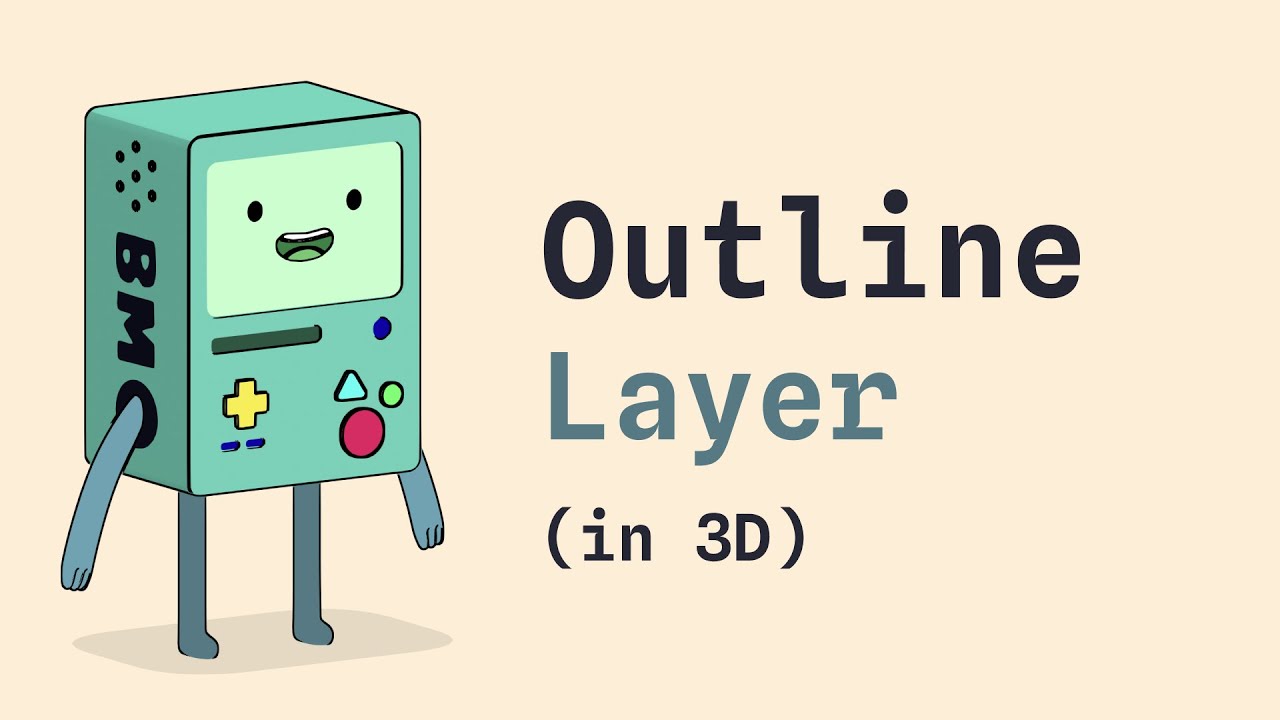
Add Stylized Outlines to 3D Objects

Spline 3DBeginner4 min

Spline

The 3D and 2D editor for teams and their agents. Ship to the web, iOS and Android.

Ask AI about Spline

Products

  • 3D Design
  • Hana
  • Omma
  • AI 3D Generation
  • Spline MCP
  • Pricing
  • Enterprise

Runtimes

  • Web
  • iOS
  • Android

Apps

  • Download
  • Spline Mirror
  • Download Spline Mirror

Learn

  • Docs
  • Academy
  • Spline API
  • Solutions

Community

  • Spline Community
  • Blog
  • Changelog
  • Education
  • Contra
  • Affiliate

Company

  • Customers
  • Careers
  • Security

Legal

  • Terms & Conditions
  • Privacy

Contact

  • help@spline.design
  • jobs@spline.design
© 2026 - Spline, Inc.