
Spline
  • Customers
  • Enterprise
  • Pricing
Talk to salesStart building
  1. Academy
  2. Tutorials
  3. Build a Dark Interactive Keyboard in 3D

Build a Dark Interactive Keyboard in 3D

Spline 3DIntermediate16 min

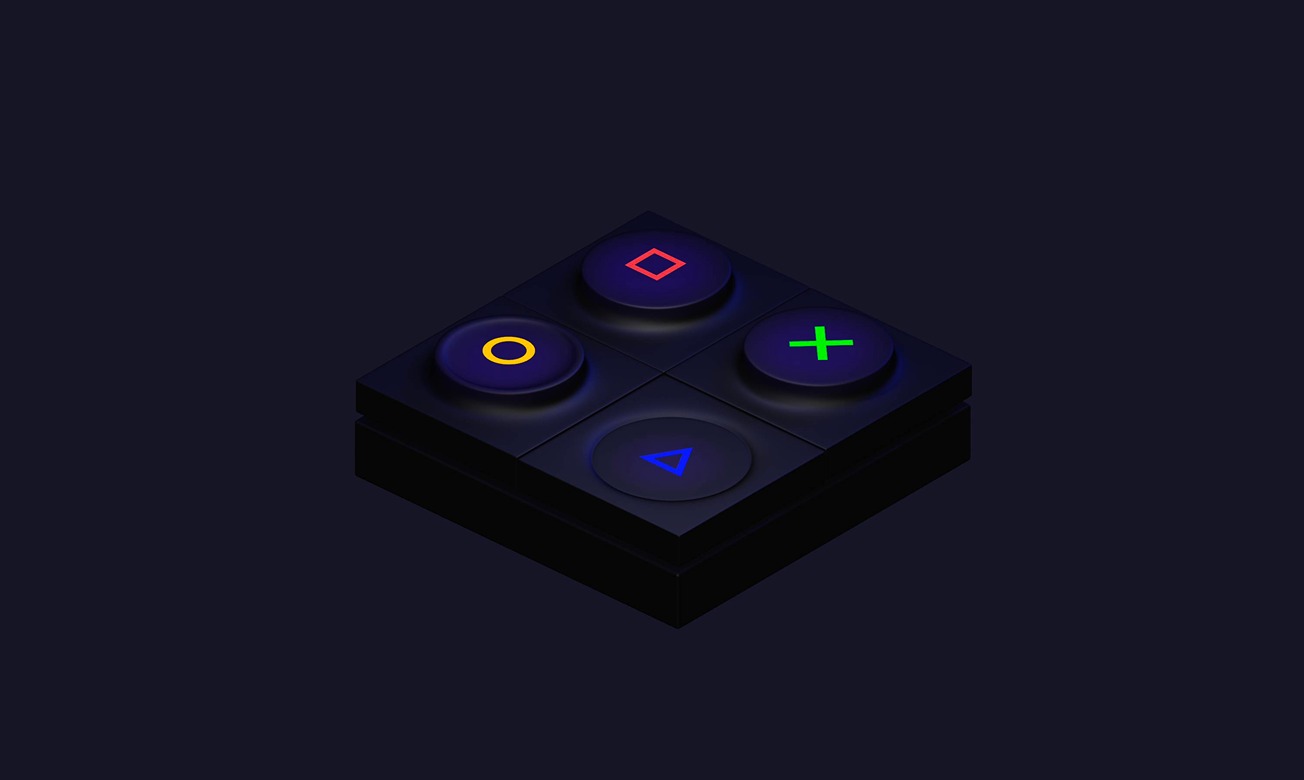
In this tutorial, you will learn to create a keyboard with more complex key designs and add interactivity.

Live version: https://my.spline.design/darkkeyboardtutorial-214f3bbc802a05f846868bc75004cb62/
What you’ll learn

  1. 0:00Introduction
  2. 0:28Creating the first key
  3. 4:10Making the other keys
  4. 5:50Creating the materials
  5. 7:20Making alternative designs
  6. 9:00Adding the key symbols
  7. 10:50Adding glow to the keys
  8. 12:15Final Style adjustments
  9. 14:00Adding the interactions

Related resources

  • Dark KeyboardTemplate
  • 3D Modeling ToolsDocument
  • Depth Layer / 3D GradientDocument
  • Events & InteractivityDocument

Overview

  • Spline 3D
  • 16 min
  • Intermediate

Part of

  • Modeling Essentials in Spline

Related tutorials

All tutorials
Refine & Style 3D Icons with Materials

Spline 3DBeginner9 min

Build 3D Icons with Vectors

Spline 3DBeginner10 min

Animate Organic 3D Blobs with States

Spline 3DBeginner5 min

Spline

The 3D and 2D editor for teams and their agents. Ship to the web, iOS and Android.

Ask AI about Spline

Products

  • 3D Design
  • Hana
  • Omma
  • AI 3D Generation
  • Spline MCP
  • Pricing
  • Enterprise

Runtimes

  • Web
  • iOS
  • Android

Apps

  • Download
  • Spline Mirror
  • Download Spline Mirror

Learn

  • Docs
  • Academy
  • Spline API
  • Solutions

Community

  • Spline Community
  • Blog
  • Changelog
  • Education
  • Contra
  • Affiliate

Company

  • Customers
  • Careers
  • Security

Legal

  • Terms & Conditions
  • Privacy

Contact

  • help@spline.design
  • jobs@spline.design
© 2026 - Spline, Inc.