
Spline
  • Customers
  • Enterprise
  • Pricing
Talk to salesStart building
  1. Academy
  2. Courses
  3. Modeling Essentials in Spline
  4. Build a Dark Interactive Keyboard in 3D

Build a Dark Interactive Keyboard in 3D

Lesson 6 of 8Spline 3DIntermediate16 min

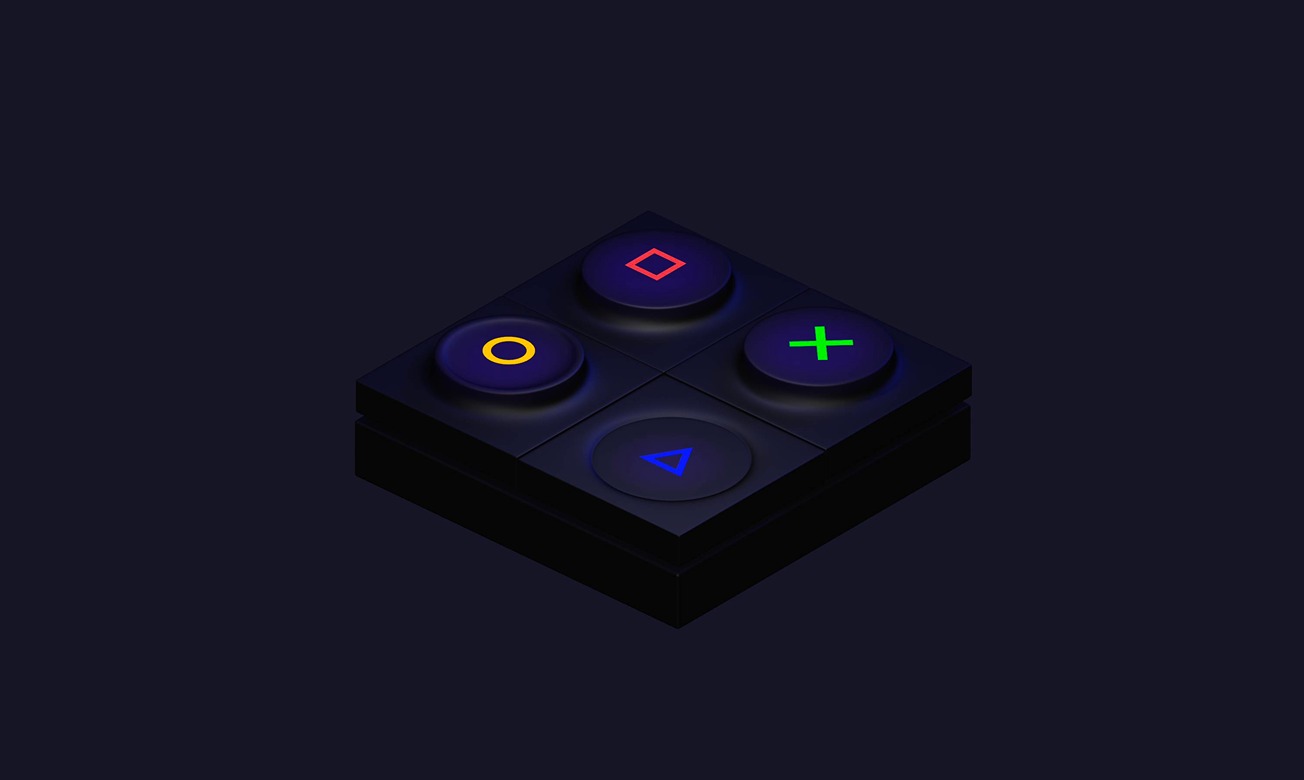
In this tutorial, you will learn to create a keyboard with more complex key designs and add interactivity.

Live version: https://my.spline.design/darkkeyboardtutorial-214f3bbc802a05f846868bc75004cb62/
What you’ll learn

  1. 0:00Introduction
  2. 0:28Creating the first key
  3. 4:10Making the other keys
  4. 5:50Creating the materials
  5. 7:20Making alternative designs
  6. 9:00Adding the key symbols
  7. 10:50Adding glow to the keys
  8. 12:15Final Style adjustments
  9. 14:00Adding the interactions

Related resources

  • Dark KeyboardTemplate
  • 3D Modeling ToolsDocument
  • Depth Layer / 3D GradientDocument
  • Events & InteractivityDocument

Overview

  • Spline 3D
  • 16 min
  • Intermediate

Up next

Build a 3D Light Switch with Interaction

13 minIntermediate

Continue
Spline

The 3D and 2D editor for teams and their agents. Ship to the web, iOS and Android.

Ask AI about Spline

Products

  • 3D Design
  • Hana
  • Omma
  • AI 3D Generation
  • Spline MCP
  • Pricing
  • Enterprise

Runtimes

  • Web
  • iOS
  • Android

Apps

  • Download
  • Spline Mirror
  • Download Spline Mirror

Learn

  • Docs
  • Academy
  • Spline API
  • Solutions

Community

  • Spline Community
  • Blog
  • Changelog
  • Education
  • Contra
  • Affiliate

Company

  • Customers
  • Careers
  • Security

Legal

  • Terms & Conditions
  • Privacy

Contact

  • help@spline.design
  • jobs@spline.design
© 2026 - Spline, Inc.