 Spline
Hana | Everything You Need To Know
Understand the principles and workflows behind creating real-time, and production-ready interactive experiences using Hana
Start the course
15 lessonsBeginner2 h 03 min
Lessons
- 01
 Get Started with Interactive 2D in Hana17 min
 - 02
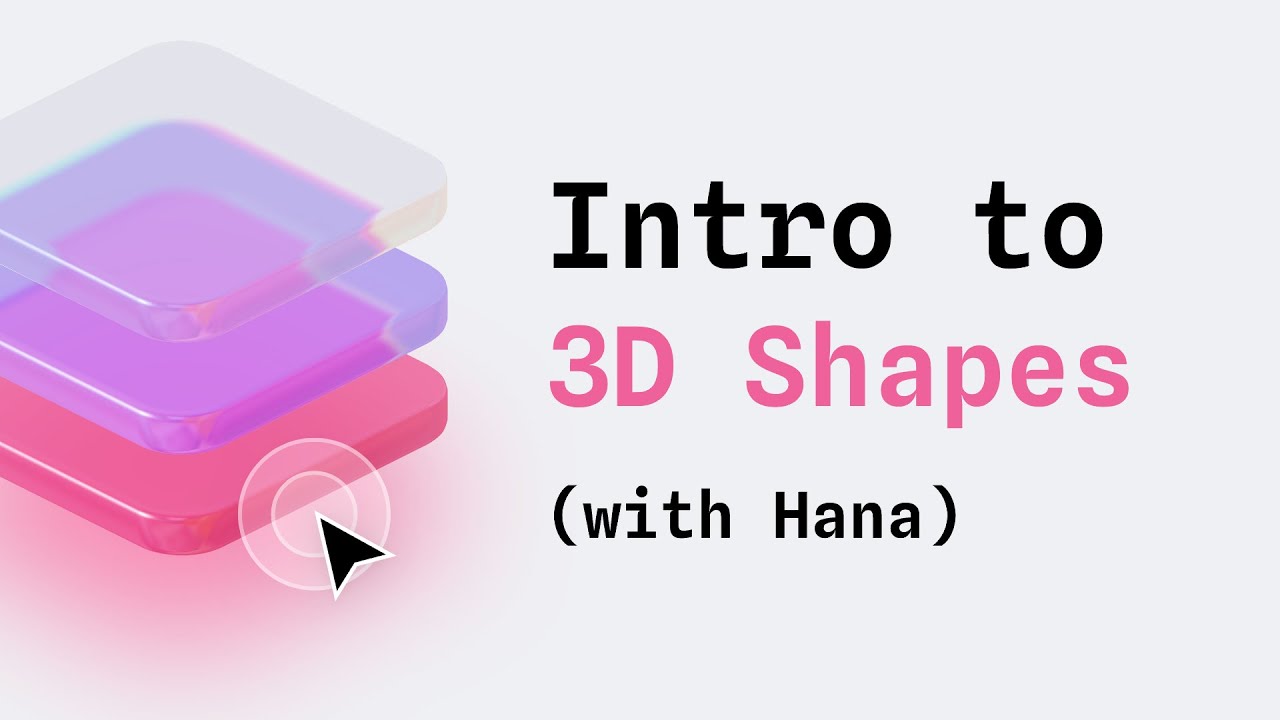 Add Dimension to Hana Designs with the 3D Shape Effect3 min
 - 03
 Design Interactions with Liquid Glass & 3D Transforms in Hana16 min
 - 04
 Explore 3D Projections and Noise Effects8 min
 - 05
 Create Interactive Designs That React to Your Mouse with Hana6 min
 - 06
 Create a 2D Follow Interaction8 min
 - 07
 Design Interactive Effects with Progressive Blur and Smoothing Gradients9 min
 - 08
 Create an Interactive Switch with Progressive Blur and Gradients4 min
 - 09
 Design Smooth Interactive Icons in Hana7 min
 - 10
 Build an Interactive Keyboard with Hana9 min
 - 11
 How to Animate Along a Path with Hana and Spline7 min
 - 12
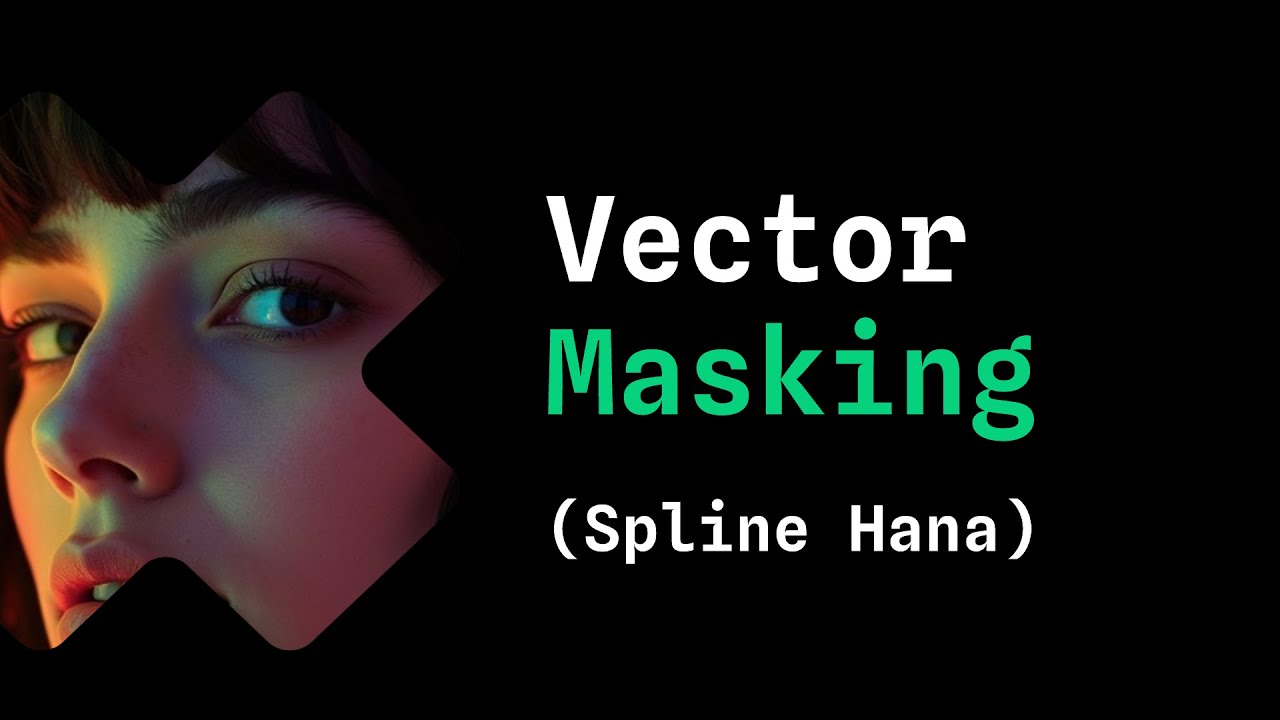 Design and Animate with Vector Masks7 min
 - 13
 Creating Refractive 3D Text in Hana7 min
 - 14
 How to Design a Realistic 3D Diamond in Hana7 min
 - 15
 How to Use AI Image Generation in Hana8 min