Spline
How to Animate Along a Path with Hana and Spline
Lesson 11 of 15HanaBeginner7 min
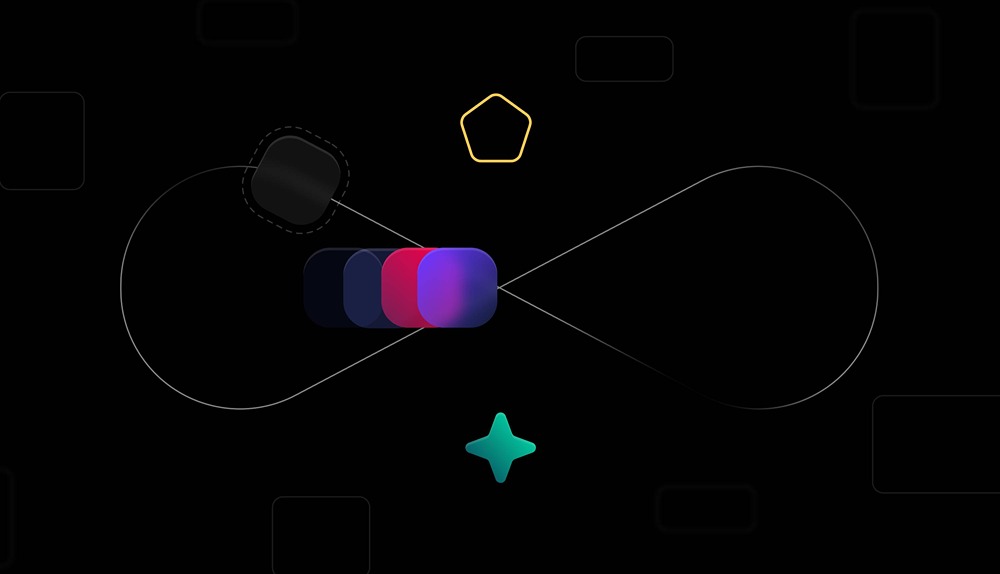
In this tutorial, we’ll show you how to use one of our recent updates in Hana, and how you can easily animate shapes or designs along a custom trajectory.
We’ll guide you through different ways to design a path in Hana, how to align shapes to that path, create animations, adjust position offsets, and choose between world and tangential orientation.
Demos 👉 https://app.spline.design/ui/6a36d303-a217-4466-95f5-85a1561c5725