Spline
How to Design a Realistic 3D Diamond in Hana
Lesson 14 of 15HanaBeginner7 min
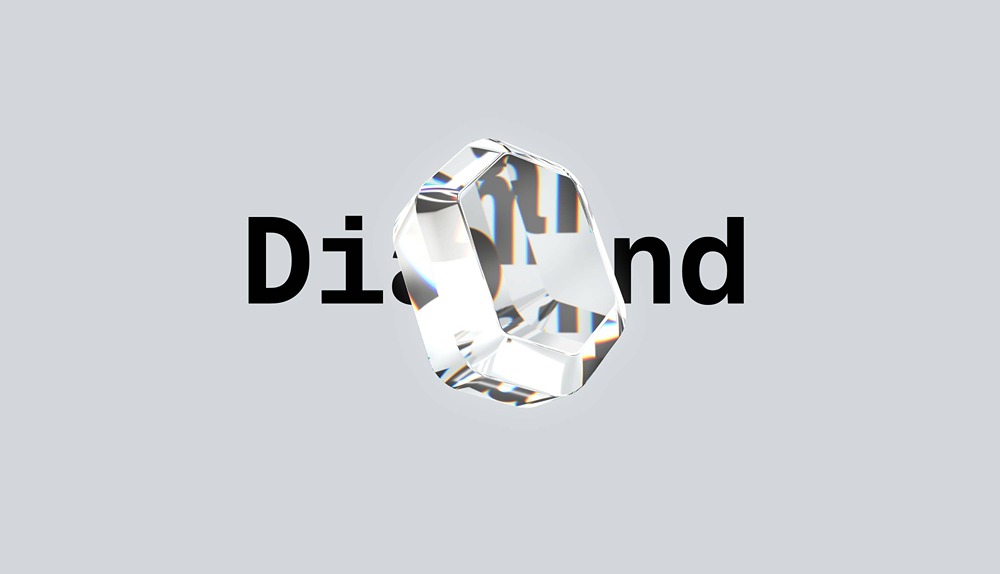
Learn how to create a stunning 3D diamond in Hana using shape effects and advanced materials! In this step-by-step tutorial, we'll show you how to transform a simple hexagon into a realistic, sparkling diamond with glass-like properties and dynamic reflections.
🔹 What You'll Learn:
- How to use the 3D Shape effect to turn 2D vectors into 3D objects
- Adjusting geometry, bevels, and transforms for a diamond shape
- Creating realistic glass materials with reflectivity, refraction, and environment maps
- Layering multiple diamond shapes to enhance inner and outer reflections
- Adding smooth rotation animations with states and events
- Exploring the Discover page to find and customize free templates
This tutorial will give you practical techniques for creating beautiful, animated 3D objects.
💎 Get the Template:
This demo scene is available for free on the Discover page inside Hana. Open the app, browse Discover, and start customizing right away!
🎨 Perfect for:
- Logo animations
- Product visualizations
- Interactive websites
- Motion design projects
⏲️ Chapters
- 00:00 Intro
- 00:25 Building the vector shape
- 01:07 Adding the 3D shape effect
- 01:55 Adding text
- 02:14 Glass material
- 03:09 Adding glass details
- 04:52 Animating our diamond
- 06:20 Where to get the template
- 07:08 Outro