Spline
  • Customers
  • Enterprise
  • Pricing
Talk to salesStart building
  1. Academy
  2. Tutorials
  3. How to Build 3D Multi-scenes and Import Animations

How to Build 3D Multi-scenes and Import Animations

Spline 3DIntermediate18 min

Hello! In this tutorial, you will learn how to use the new Multi-Scenes, Trigger Area event and the Scene Transition action + imported animated characters with Game Controls. Check Spline: https://spline.design/

Demo: https://app.spline.design/file/81899589-466c-4933-83dc-742888e20897 Girl with Hoddie 3D Model: https://jmp.sh/KLgqykhh

What you’ll learn

  1. 0:00Intro
  2. 0:50Making multiple scenes
  3. 2:18Trigger Areas
  4. 3:48Editing scenes
  5. 4:44The grid view
  6. 5:24Making a scene transition
  7. 8:27Complex scenes
  8. 10:24Animated characters or objects
  9. 12:46How to animate your characters
  10. 14:51Importing new animations
  11. 15:18Triggering animations from events
  12. 16:15Creating design alternatives

Related resources

  • Floating Stone - MultisceneTemplate
  • Multi-ScenesDocument
  • Import Animated ObjectsDocument
  • Animation ActionDocument
  • Scene Transition ActionDocument

Overview

  • Spline 3D
  • 18 min
  • Intermediate

Part of

  • Spline Advanced | Feature Deep Dive

Related tutorials

All tutorials
How to Animate a 3D Walking Character

Spline 3DBeginner14 min

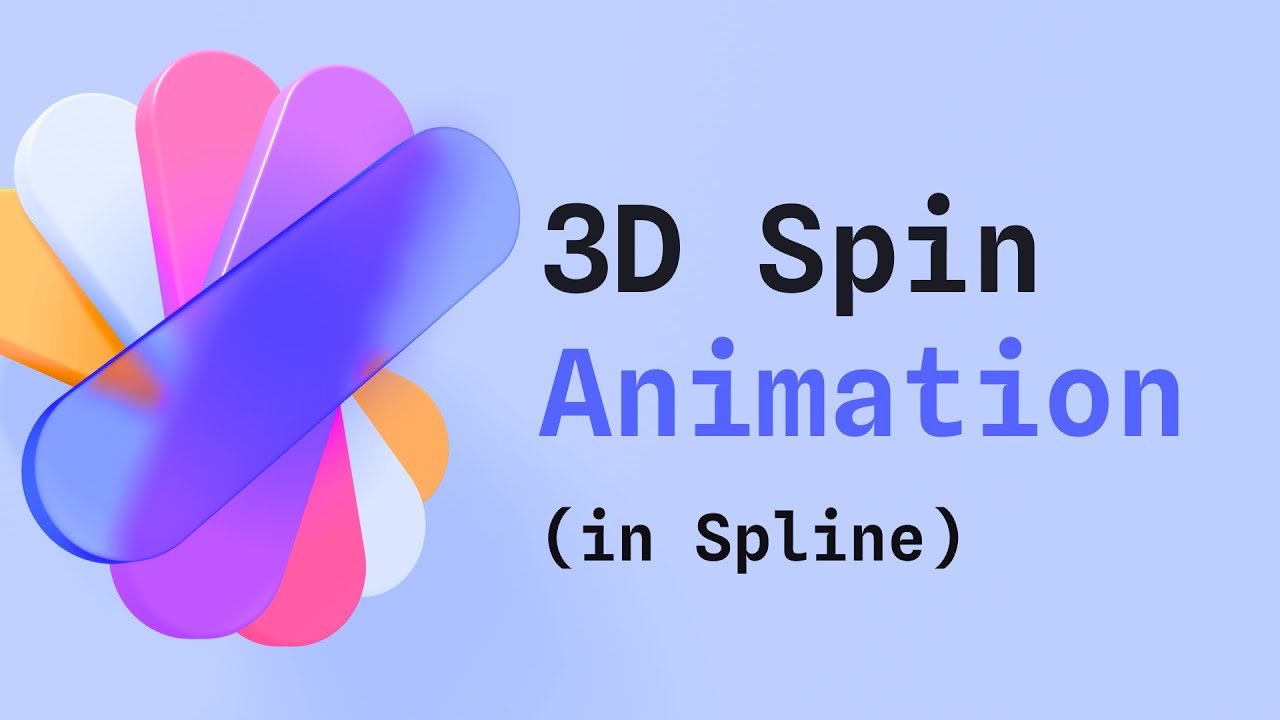
How to Create a Spinning 3D Icon

Spline 3DBeginner15 min

Make a 3D Game Experience

Spline 3DIntermediate18 min

Spline

The 3D and 2D editor for teams and their agents. Ship to the web, iOS and Android.

Ask AI about Spline

Products

  • 3D Design
  • Hana
  • Omma
  • AI 3D Generation
  • Spline MCP
  • Pricing
  • Enterprise

Runtimes

  • Web
  • iOS
  • Android

Apps

  • Download
  • Spline Mirror
  • Download Spline Mirror

Learn

  • Docs
  • Academy
  • Spline API
  • Solutions

Community

  • Spline Community
  • Blog
  • Changelog
  • Education
  • Contra
  • Affiliate

Company

  • Customers
  • Careers
  • Security

Legal

  • Terms & Conditions
  • Privacy

Contact

  • help@spline.design
  • jobs@spline.design
© 2026 - Spline, Inc.