Spline
Make a 3D Game Experience
Spline 3DIntermediate18 min
Hi! In this tutorial, we will explore how to use the Game Controls event to create a 3D experience that feels like a game using Spline.
You can create this type of experience for websites, portfolios, 3D visualization, or any 3D project.
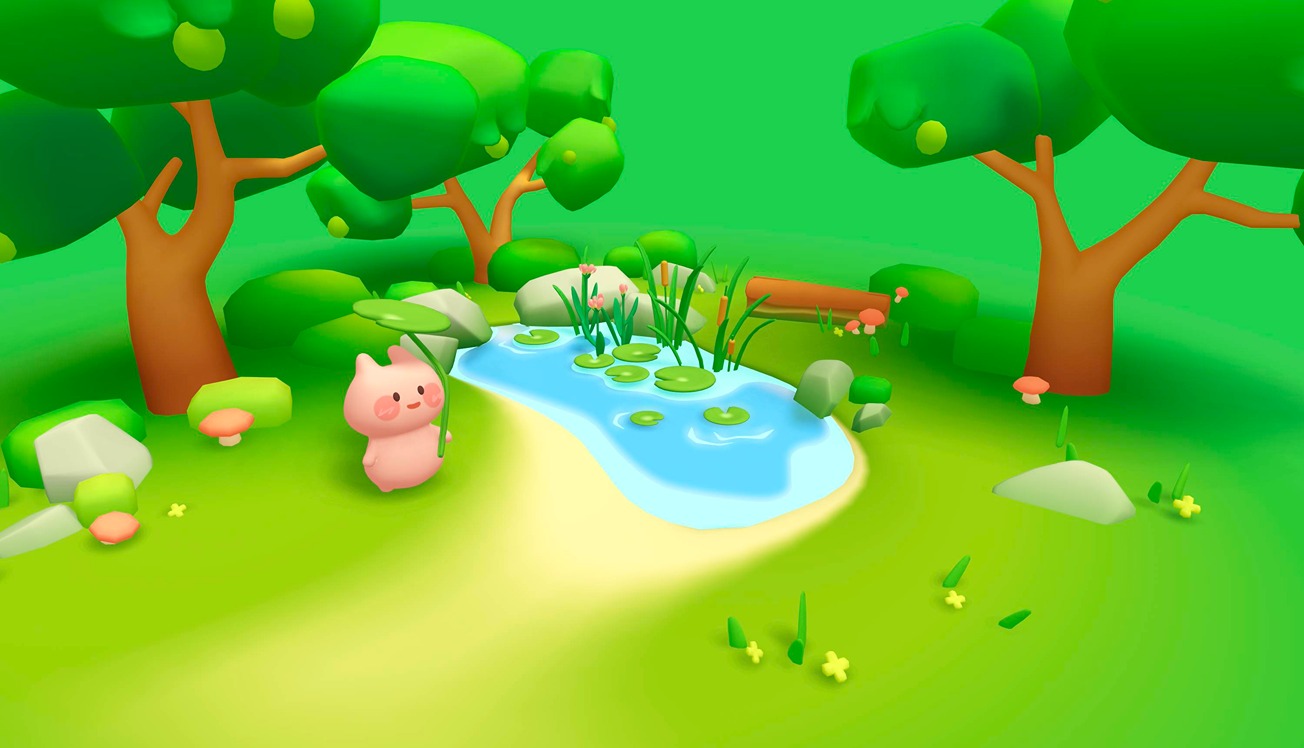
Island Scene: https://my.spline.design/pigisland-3503d1596f5a14a89df774237eafcf91/
What you’ll learn
- 0:00Introduction
- 0:44Creating a basic Game Control
- 1:30Adjusting character orientation
- 2:10How the cameras are assigned in Game Controls
- 2:35Understanding camera position
- 3:00How the collider works
- 4:15Camera rotation tricks
- 5:50How to assign custom actions to keys
- 6:54Fly mode
- 7:45Auto-orientation
- 8:08Speed
- 8:28Delay/Acceleration/Inertia
- 9:04Gravity and jump
- 9:48Reset Position
- 10:43Camera Follow
- 12:30Sound, interactions, and game controls
- 15:00Isometric scene
- 16:28Multiple game controls