Spline
  • Customers
  • Enterprise
  • Pricing
Talk to salesStart building
  1. Academy
  2. Courses
  3. Spline Advanced | Feature Deep Dive
  4. How to Build 3D Multi-scenes and Import Animations

How to Build 3D Multi-scenes and Import Animations

Lesson 14 of 17Spline 3DIntermediate18 min

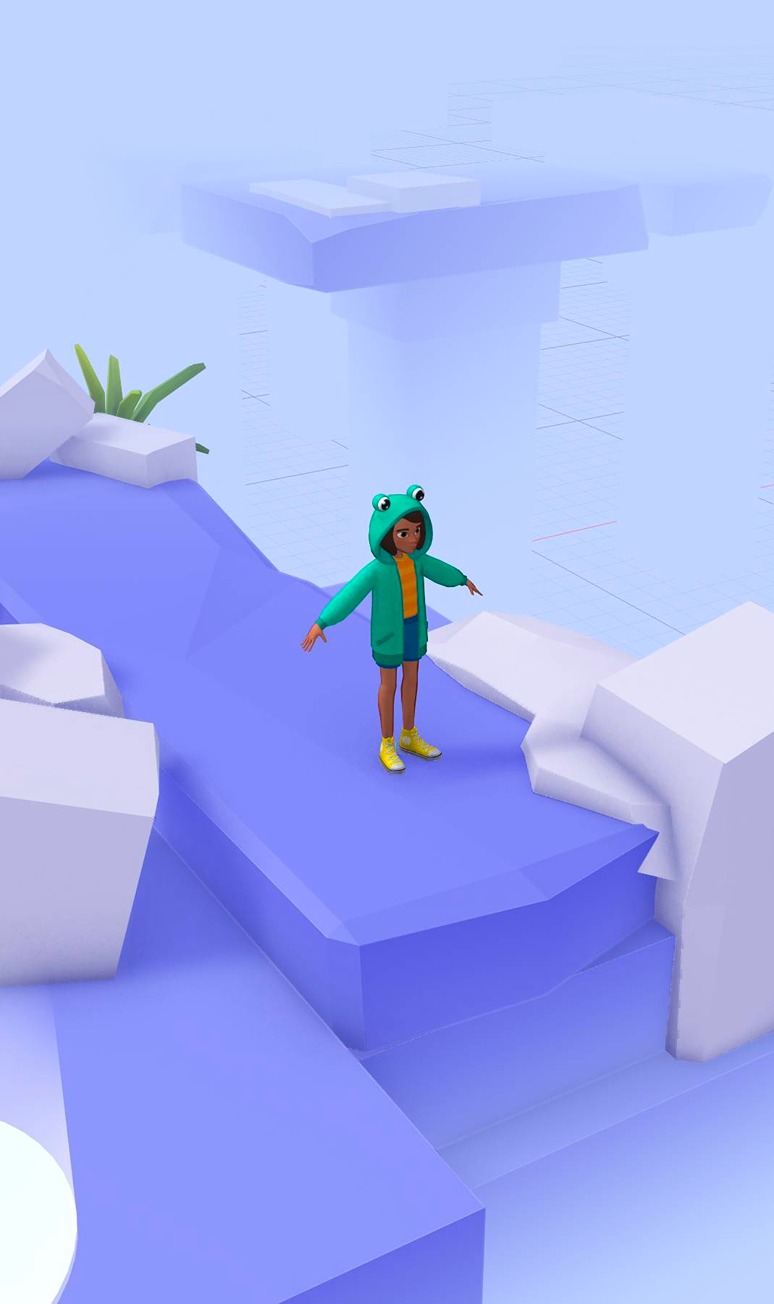
Hello! In this tutorial, you will learn how to use the new Multi-Scenes, Trigger Area event and the Scene Transition action + imported animated characters with Game Controls. Check Spline: https://spline.design/

Demo: https://app.spline.design/file/81899589-466c-4933-83dc-742888e20897 Girl with Hoddie 3D Model: https://jmp.sh/KLgqykhh

What you’ll learn

  1. 0:00Intro
  2. 0:50Making multiple scenes
  3. 2:18Trigger Areas
  4. 3:48Editing scenes
  5. 4:44The grid view
  6. 5:24Making a scene transition
  7. 8:27Complex scenes
  8. 10:24Animated characters or objects
  9. 12:46How to animate your characters
  10. 14:51Importing new animations
  11. 15:18Triggering animations from events
  12. 16:15Creating design alternatives

Related resources

  • Floating Stone - MultisceneTemplate
  • Multi-ScenesDocument
  • Import Animated ObjectsDocument
  • Animation ActionDocument
  • Scene Transition ActionDocument

Overview

  • Spline 3D
  • 18 min
  • Intermediate

Up next

Animate Clones for 3D Motion Graphics

25 minIntermediate

Continue
Spline

The 3D and 2D editor for teams and their agents. Ship to the web, iOS and Android.

Ask AI about Spline

Products

  • 3D Design
  • Hana
  • Omma
  • AI 3D Generation
  • Spline MCP
  • Pricing
  • Enterprise

Runtimes

  • Web
  • iOS
  • Android

Apps

  • Download
  • Spline Mirror
  • Download Spline Mirror

Learn

  • Docs
  • Academy
  • Spline API
  • Solutions

Community

  • Spline Community
  • Blog
  • Changelog
  • Education
  • Contra
  • Affiliate

Company

  • Customers
  • Careers
  • Security

Legal

  • Terms & Conditions
  • Privacy

Contact

  • help@spline.design
  • jobs@spline.design
© 2026 - Spline, Inc.