Spline
Animate Clones for 3D Motion Graphics
Lesson 15 of 17Spline 3DIntermediate25 min
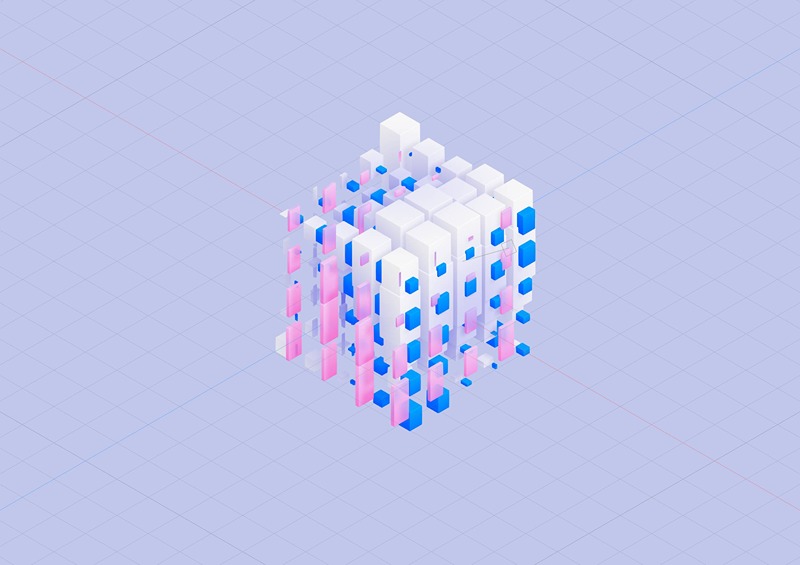
Hello! In this tutorial, you will learn how to use the new cloner system on Spline to animate clones and create motion graphics/designs.
Demo scenes: 1. Flower Demo: https://my.spline.design/clonerflower-207887dfeb79bbff4e5eece0f1f8c6e8/ Remix: https://app.spline.design/file/85b95b4e-b852-4ba0-9d9d-7621d9a9ced2
2. Cloner cubes Demo: http://my.spline.design/clonercubebinary-8188bb46b62f5b0cbdafa809674b5a28/ Remix: http://app.spline.design/file/d6b3a422-eb38-486a-8ef3-071d0589196f
3. Dark City Demo: https://my.spline.design/clonercity-5b6ad09d9a568bfc3629559a9a6458ec/ Remix: https://app.spline.design/file/990f6500-058b-46c5-a71e-f8aae2adcdf2
What you’ll learn
- 0:00Introduction
- 0:23Linear clones
- 2:00Radial clones
- 3:14Grid clones
- 4:12Randomness
- 5:15Animation and movement with noise scale
- 7:00Duplicating clones
- 8:40Adding depth to the clones
- 10:18Animating rotation values
- 10:45Using the scale to create detail or waves
- 11:25Cloning over a surface
- 12:45Cloning on polygons, edges, and vertices
- 13:30Alignment
- 14:35Exploring spherical effects
- 16:46Cloning groups
- 19:53Case Study: How to simulate grass
- 21:28Case Study: Organic movements
- 22:41Case Study: 2d effects
- 23:14Case Study: Complex city-like clones