Spline
Trigger Interactions with Proximity Using the Distance Event
Spline 3DBeginner6 min
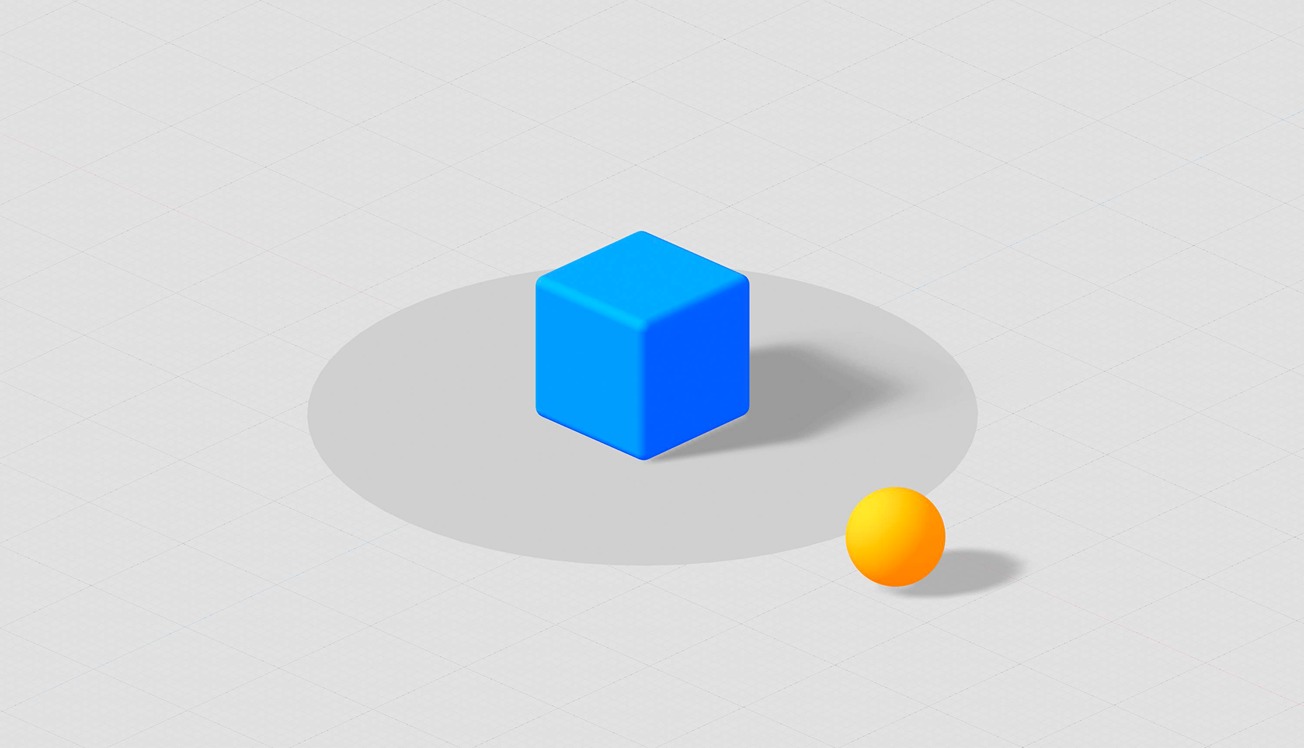
In this tutorial, we explore how to create interactive events triggered by proximity using the distance event.
We show how to make one object move toward another when they get close, and have that interaction automatically trigger an action, like playing an animation or sound effect. It’s a great way to create scenes that feel alive and responsive to what's happening around them.
Demo: https://app.spline.design/file/29466ae6-7e47-4edc-8198-0ce78b80eead
---
Discover more amazing creators and projects #MadeInSpline at https://community.spline.design/