Spline
Create Flat 2D-Styles in 3D Scenes
Spline 3DBeginner6 min
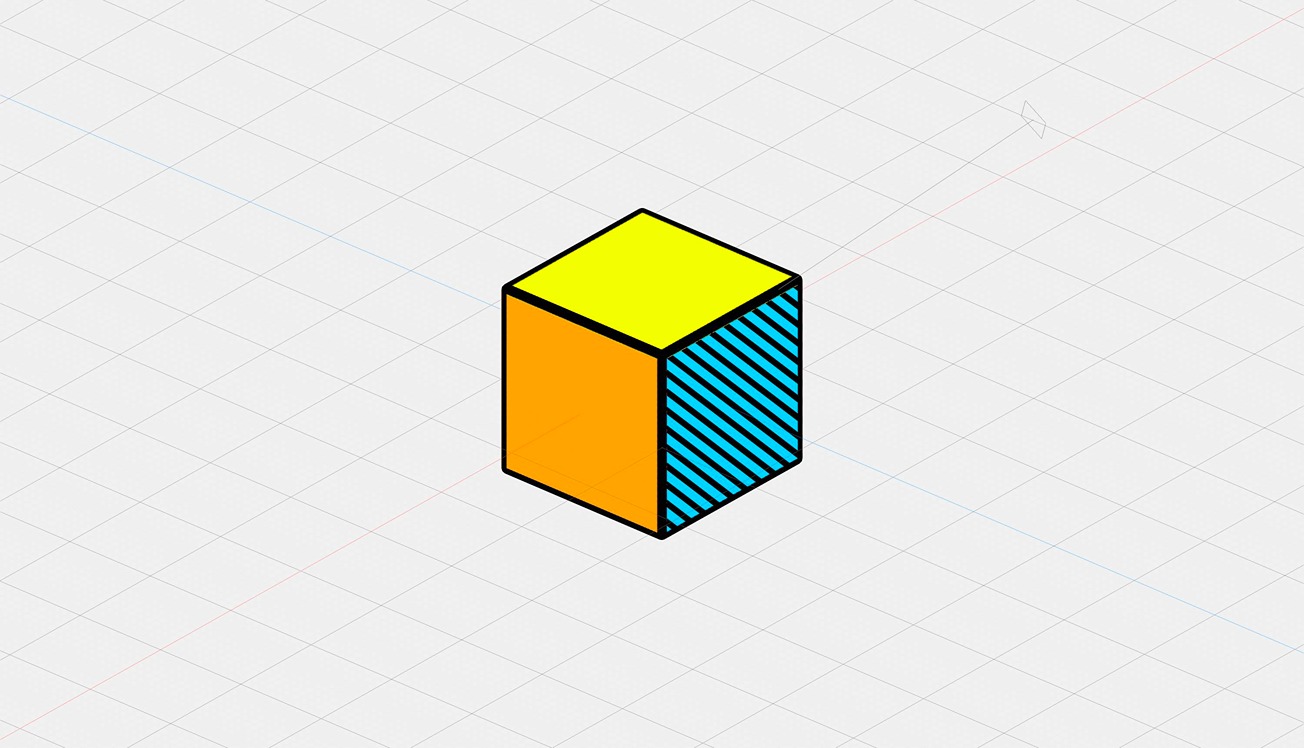
Hello! In this video, we guide you on how to create a cartoonish or flat 2D-like effect using Spline. Check Spline: https://spline.design/
You will also learn how to use outline layers, add color to different sides of an object, and apply animations and interactions.
We also explore applying the 2D look to an object from the Spline library, like a Jordan shoe 👟
This tutorial is inspired by https://www.spaag.fr/ created using Spline - Designed by LEOLEO Studio.
💖 Join our Community 👉 http://discord.gg/spline 📘 Learn more at Spline Docs https://docs.spline.design/