Spline
Explore 3D Shape Blending in Spline
Lesson 10 of 16Spline 3DBeginner26 min
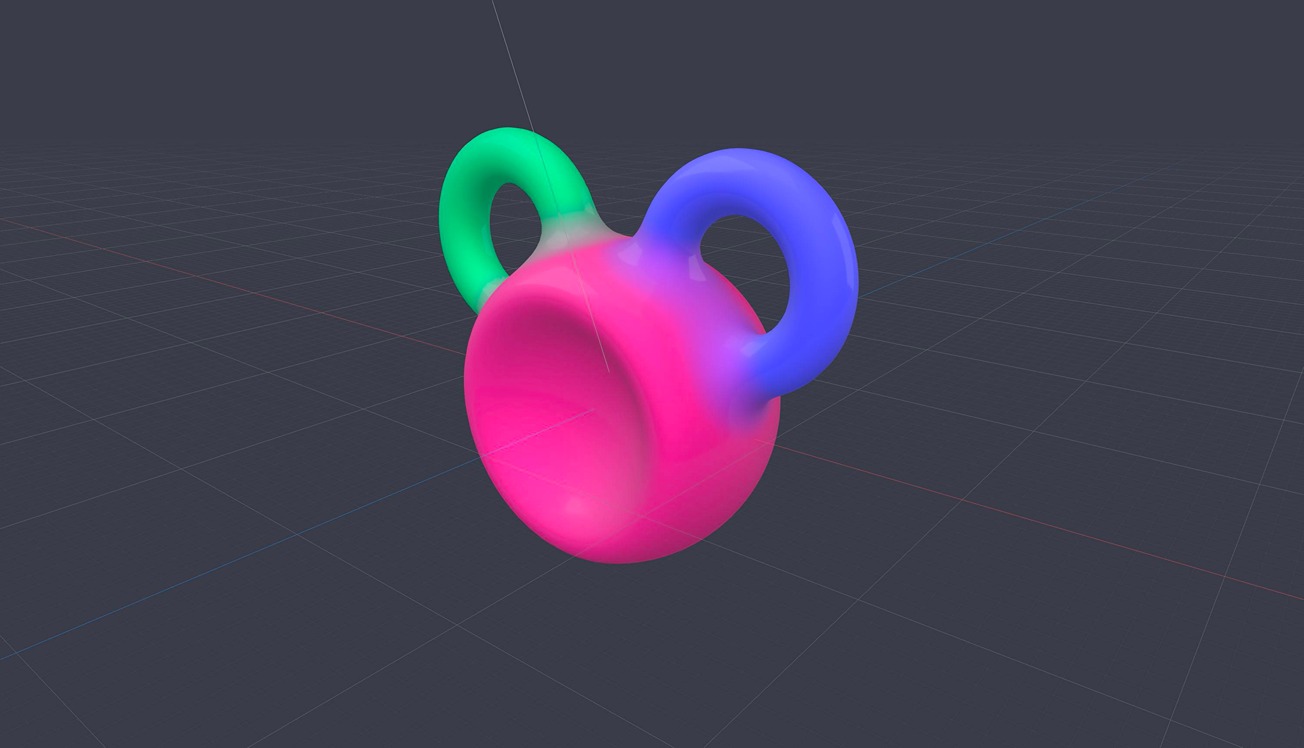
Today we will walk you through our newest feature, Shape Blend in Spline. Together we will create smooth shapes using primitives, apply materials, colors, and operations like union, subtraction, and intersection. We are excited to share this new feature with you!
Note: Shape Blend is not yet available for iOS/Android exports, it is coming soon.
As mentioned, we have some other videos for you:
3D Export for Framer: https://youtu.be/Woi5g8UHpC8 3D Export for Websites: https://youtu.be/ncoSN9mgWe8 Adding Physics to your Spline Scene: https://youtu.be/NdBpmhGvvW0
---
Discover more amazing creators and projects #MadeInSpline at https://community.spline.design/
What you’ll learn
- 0:00Introducing Shape Blend
- 0:41Working with Shape Blend Primitives
- 1:02Applying Materials and Colors
- 2:10Understanding Shape Blend Operations
- 3:28Layer Panel Order and Resolution
- 5:08Blending Control and Global Blending
- 5:36Controlling Blending on Individual Objects
- 5:58Using Resolution and Realistic Textures
- 9:30Creating Interactive Animations with Follow Events
- 19:45Using Cloner Tool for Creating Shapes
- 23:47Using Physics with Shape Blend
- 24:36Spline Exports and Conclusion