 Spline
Spline 101 | Build Your First Interactive Scene
Develop a foundational understanding of Spline’s interface, core tools, and workflows through building an interactive 3D scene
Start the course
16 lessonsBeginner4 h 03 min
Lessons
- 01
 Get Started with 3D in Spline26 min
 - 02
 Create Playful 3D Abstract Illustrations in Spline24 min
 - 03
 Create 3D Icons from Scratch16 min
 - 04
 Add Mouse-Based Interactions to 3D Objects14 min
 - 05
 How to Create 3D Button Interactions10 min
 - 06
 Add Look At Animations to 3D Objects10 min
 - 07
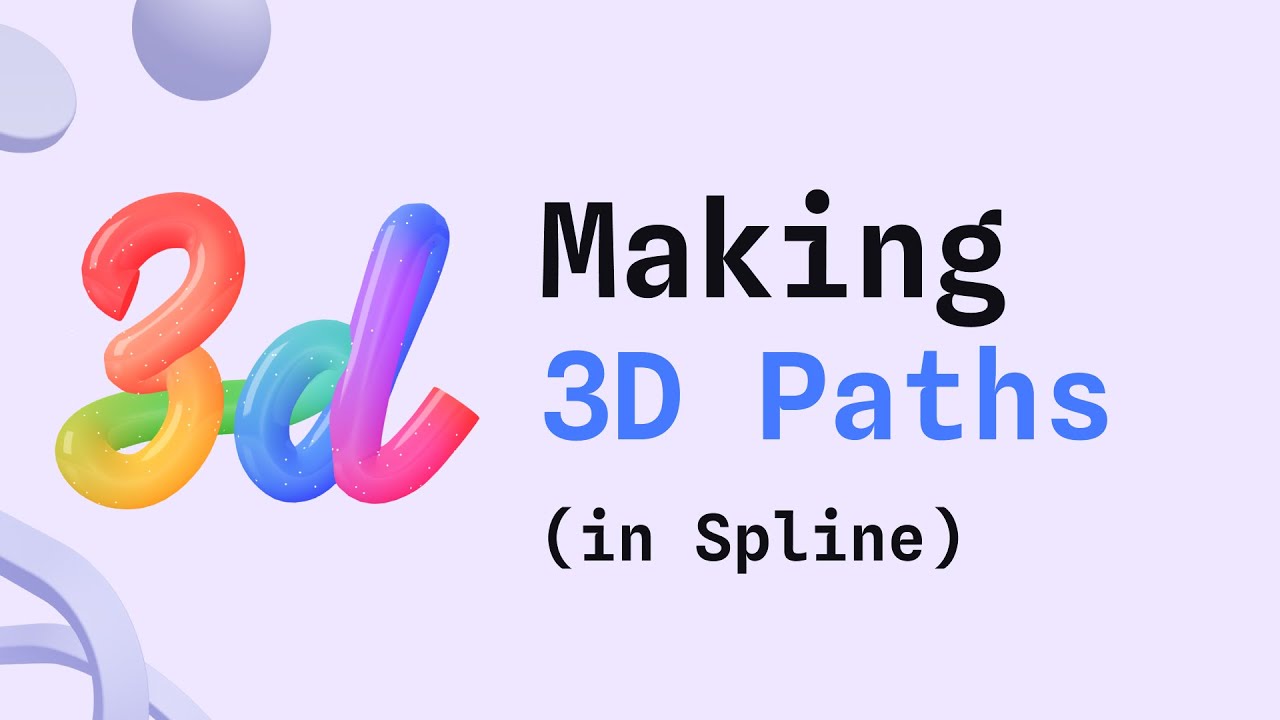 How to Create 3D Paths in Spline37 min
 - 08
 Design Stylized 3D Text with Paths12 min
 - 09
 Modify 3D Shapes using Boolean Operations6 min
 - 10
 Explore 3D Shape Blending in Spline26 min
 - 11
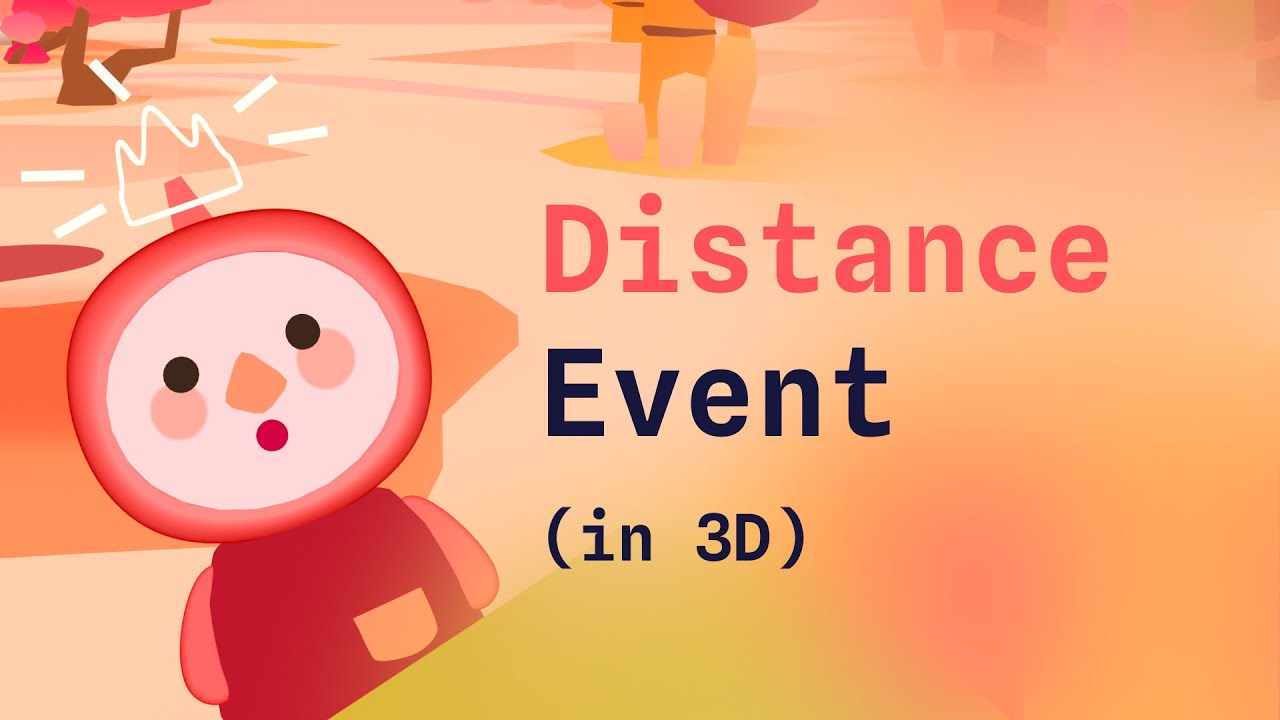 Trigger Interactions with Proximity Using the Distance Event6 min
 - 12
 How to Animate a 3D Walking Character14 min
 - 13
 Build a 3D Voxel Character13 min
 - 14
 How to Sculpt a 3D Gummy Bear with Shape Blend8 min
 - 15
 Create Animated 3D Blobs that React to Your Mouse12 min
 - 16
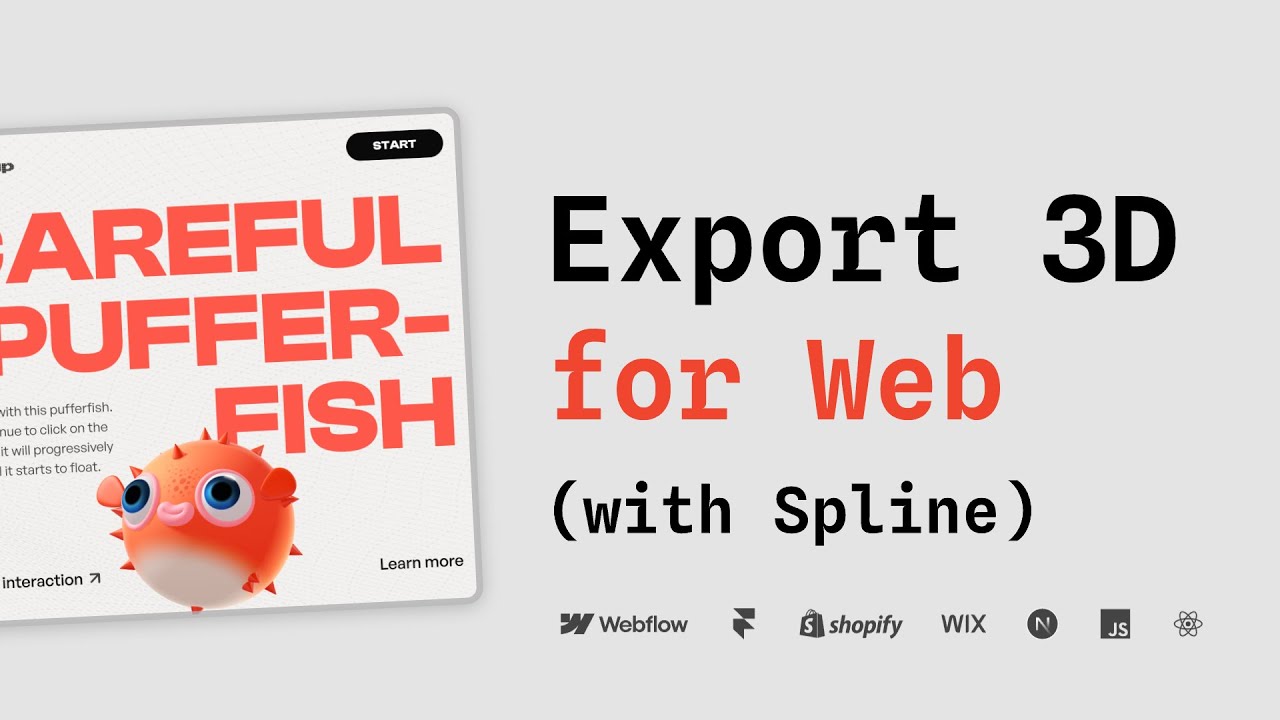 Turn Your Spline Designs into Interactive Web Experiences10 min