Spline
Bring an Interactive 3D Robot to Life
Spline 3DBeginner13 min
Hey there! 👋 This time we're all set to have some fun and show you different ways to take a 3D character to the next level by making it interactive! Check Spline: https://spline.design/
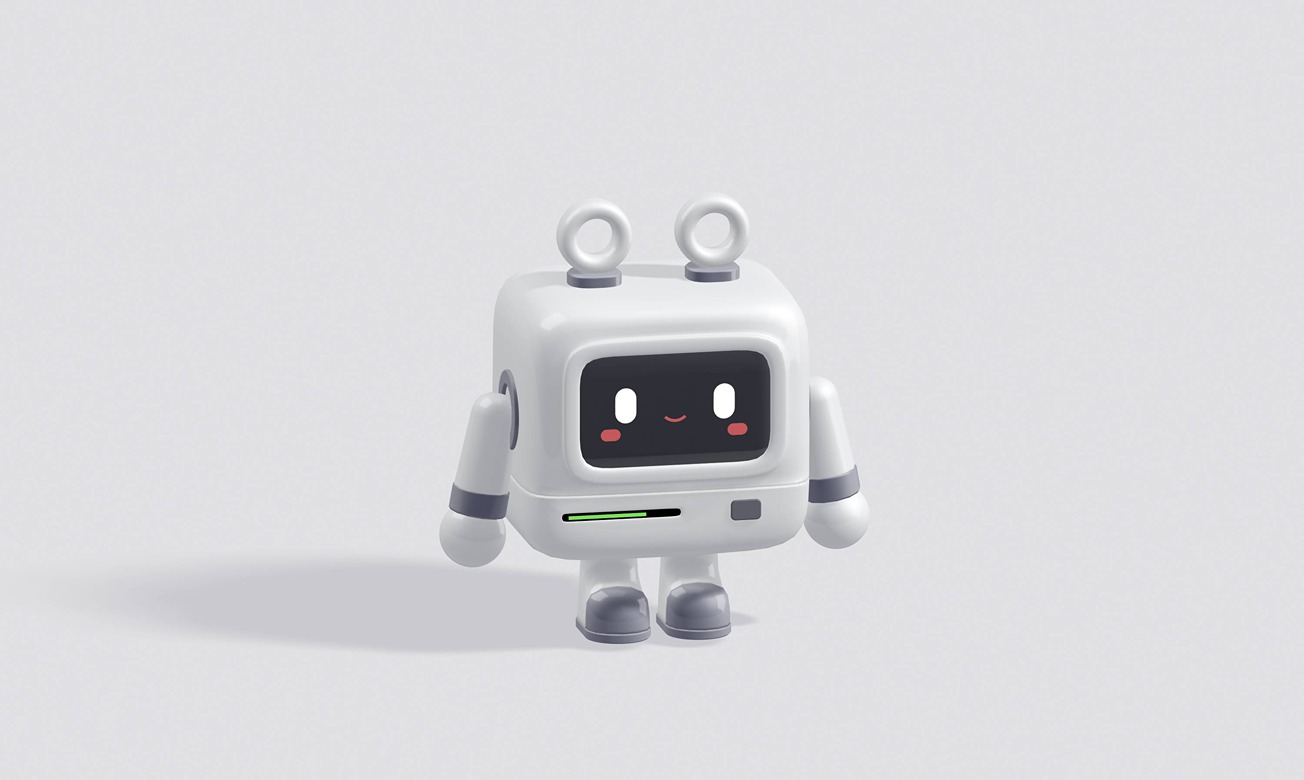
You're going to learn how to make this cute robot follow your cursor, change its expression or color with a simple click, and a lot more!
Something that you can easily integrate into your project or website, without coding ;)
Feel free to use any character you like, or you can also download this one and follow along with the tutorial.
🤖 Remix: https://app.spline.design/file/f09aef0f-3b4e-436e-a05a-e97945e2490a
Happy learning!
The interaction at 10:44 was inspired by Gaurav Kallugadde (@gaurav_paints) ❤️