Spline
Timelapse: Model a Polaroid Go in 3D
Lesson 4 of 8Spline 3DIntermediate18 min
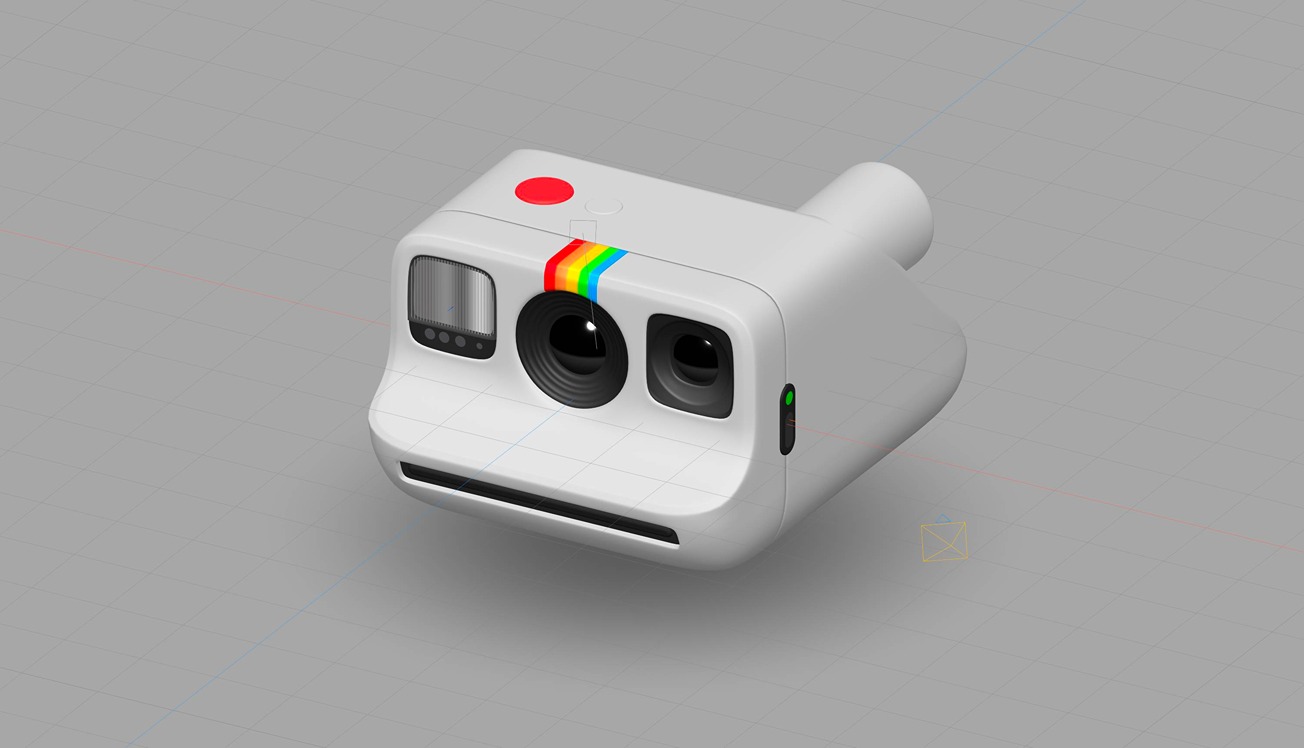
Hi everyone! In this timelapse, you will learn how to create a Polaroid Go camera using the modeling tools in Spline. Note: I had a lot of audio issues this time, sorry!
The camera model is available on the Spline library! Try it 👉 http://bit.ly/polaroid3d
What you’ll learn
- 0:00Introduction
- 0:20Making the initial box volume
- 2:30Building the front bevels
- 4:00Refining the shape
- 5:00Making the square holes
- 7:35Building the viewfinder
- 8:10Creating the middle front circle
- 10:05Refining the viewfinder
- 10:50Making the circular lens
- 12:00Adding details in the printer area
- 12:15Adding shadow details
- 12:36Creating the connector
- 13:00Adding contact shadows
- 13:30Making the right lens
- 15:15Making flashlight
- 17:15Adding border detail in the right lens