
Spline
  • Customers
  • Enterprise
  • Pricing
Talk to salesStart building
  1. Academy
  2. Courses
  3. Materials & Shading That Look Good
  4. How to Create Stylized Toon Shading in 3D

How to Create Stylized Toon Shading in 3D

Lesson 4 of 12Spline 3DBeginner4 min

Hello! In this tutorial, you will learn how to create stylized toon shading or lighting using the Toon layer in Spline. You'll also learn how to combine this with the Outline layer to create a mecha/anime scene.
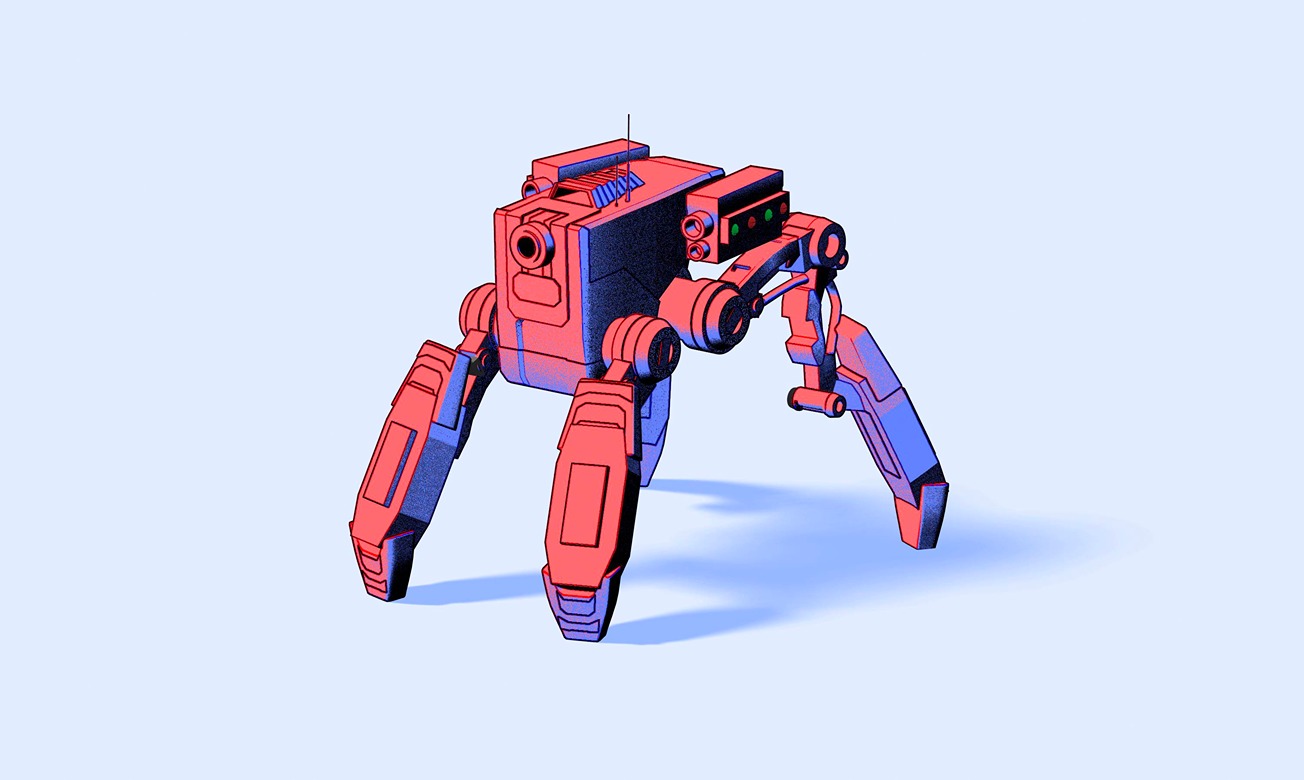
What you’ll learn

  1. 0:00Introduction
  2. 0:30Creating the base 3 colors
  3. 2:27Adding noise
  4. 2:44Exploring other options
  5. 3:19Adding the outline layers

Related resources

  • Robot 4 Legs - ToonTemplate
  • Toon LayerDocument

Overview

  • Spline 3D
  • 4 min
  • Beginner

Up next

Create Flat 2D-Styles in 3D Scenes

6 minBeginner

Continue
Spline

The 3D and 2D editor for teams and their agents. Ship to the web, iOS and Android.

Ask AI about Spline

Products

  • 3D Design
  • Hana
  • Omma
  • AI 3D Generation
  • Spline MCP
  • Pricing
  • Enterprise

Runtimes

  • Web
  • iOS
  • Android

Apps

  • Download
  • Spline Mirror
  • Download Spline Mirror

Learn

  • Docs
  • Academy
  • Spline API
  • Solutions

Community

  • Spline Community
  • Blog
  • Changelog
  • Education
  • Contra
  • Affiliate

Company

  • Customers
  • Careers
  • Security

Legal

  • Terms & Conditions
  • Privacy

Contact

  • help@spline.design
  • jobs@spline.design
© 2026 - Spline, Inc.