
Spline
  • Customers
  • Enterprise
  • Pricing
Talk to salesStart building
  1. Academy
  2. Courses
  3. Materials & Shading That Look Good
  4. Build a Realistic 3D Planet with Materials & Lighting

Build a Realistic 3D Planet with Materials & Lighting

Lesson 12 of 12Spline 3DBeginner7 min

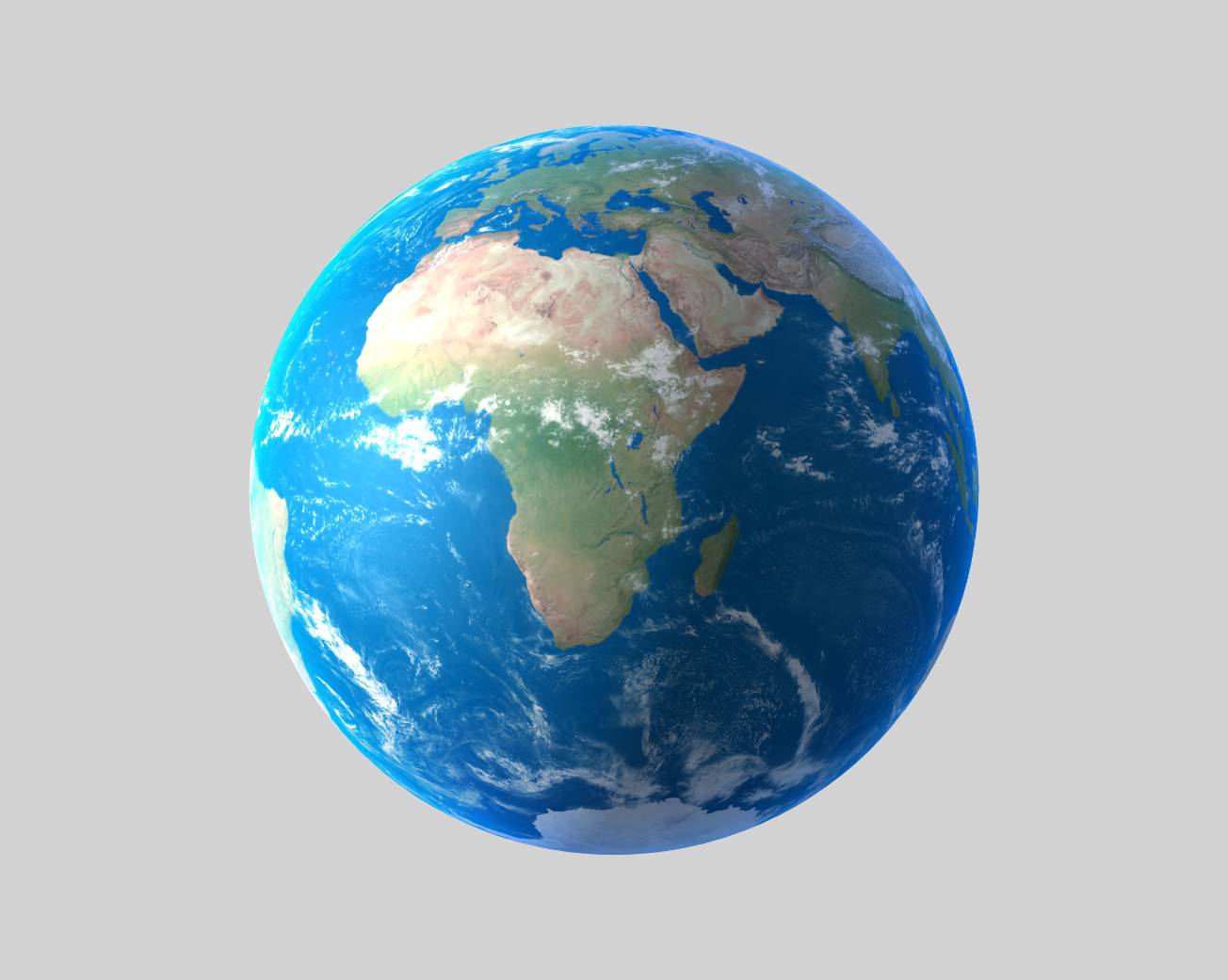
In this tutorial, you will learn how to easily create 3D planets by combining texture layers and lighting on Spline.

🌎 Final result: https://my.spline.design/planetearthdaycopy-2333a6dda7fecbc7779226b36abe6285/

Texture Maps: https://visibleearth.nasa.gov/collection/1484/blue-marble?page=1 https://www.solarsystemscope.com/textures/ https://nasa3d.arc.nasa.gov/images
What you’ll learn

  1. 0:00Introduction
  2. 0:32Making the Earth's sphere
  3. 1:00Creating the materials and lighting
  4. 1:30Adding clouds
  5. 2:00Adding the atmosphere effect
  6. 3:10Rotating the earth transition effect
  7. 4:00Fixing texture details
  8. 4:30Animating the clouds
  9. 5:08Final outcome

Related resources

  • Planet EarthTemplate
  • LightningDocument
  • Image LayerDocument
  • How state-based animation worksDocument
  • Events & InteractivityDocument

Overview

  • Spline 3D
  • 7 min
  • Beginner

Last lesson

That’s the end of Materials & Shading That Look Good.

Back to the course
Spline

The 3D and 2D editor for teams and their agents. Ship to the web, iOS and Android.

Ask AI about Spline

Products

  • 3D Design
  • Hana
  • Omma
  • AI 3D Generation
  • Spline MCP
  • Pricing
  • Enterprise

Runtimes

  • Web
  • iOS
  • Android

Apps

  • Download
  • Spline Mirror
  • Download Spline Mirror

Learn

  • Docs
  • Academy
  • Spline API
  • Solutions

Community

  • Spline Community
  • Blog
  • Changelog
  • Education
  • Contra
  • Affiliate

Company

  • Customers
  • Careers
  • Security

Legal

  • Terms & Conditions
  • Privacy

Contact

  • help@spline.design
  • jobs@spline.design
© 2026 - Spline, Inc.