Spline
Apply Image & Video Textures to 3D Objects
Lesson 1 of 12Spline 3DBeginner9 min
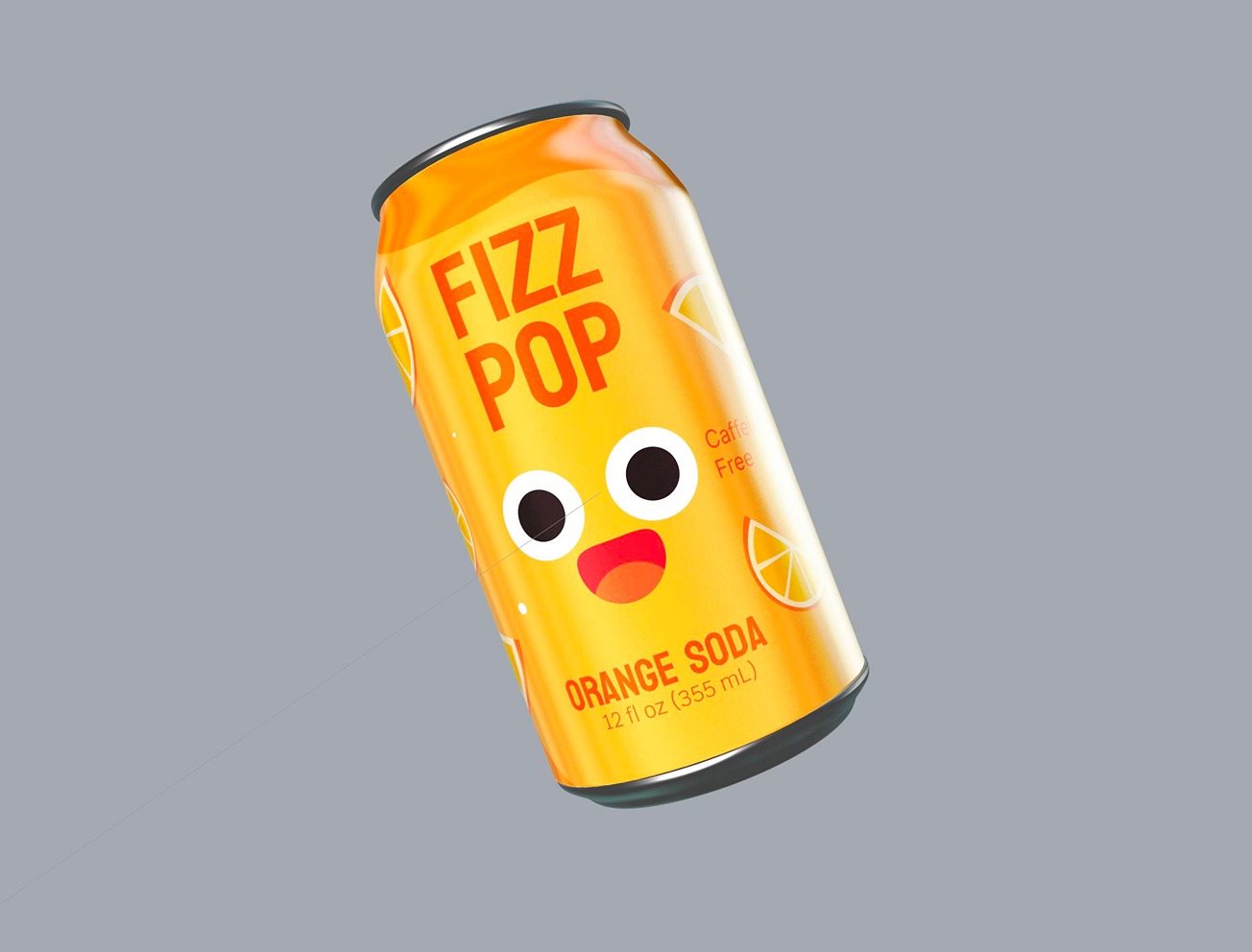
In this video, we will learn how to add images to enhance our Spline scenes. Adding images to 3D objects can customize your scene with realistic textures and fun designs. Join us as we walk through the magic of the Image Layer in Spline and showcase both serious and funny design methods.
---
---
What you’ll learn
- 0:00Intro
- 0:45Creating a Polaroid Frame
- 1:48Exploring Image Layer Settings
- 2:42Projections
- 3:30Tip: How to put different images on each side of a cube using Planar Projection
- 4:20Adding a custom image to a 3D can using a Cylindrical Projection
- 4:49Adding glow effect over images using Matcaps and Rainbow Layer
- 5:57Customizing 3D elements from Spline Library
- 6:59Animating Image Layers and Adding Animation
- 7:39Adding Video Texture
- 8:49Export Options