Spline
Create an Interactive Bee Character for the Web
Lesson 8 of 14Spline 3DIntermediate14 min
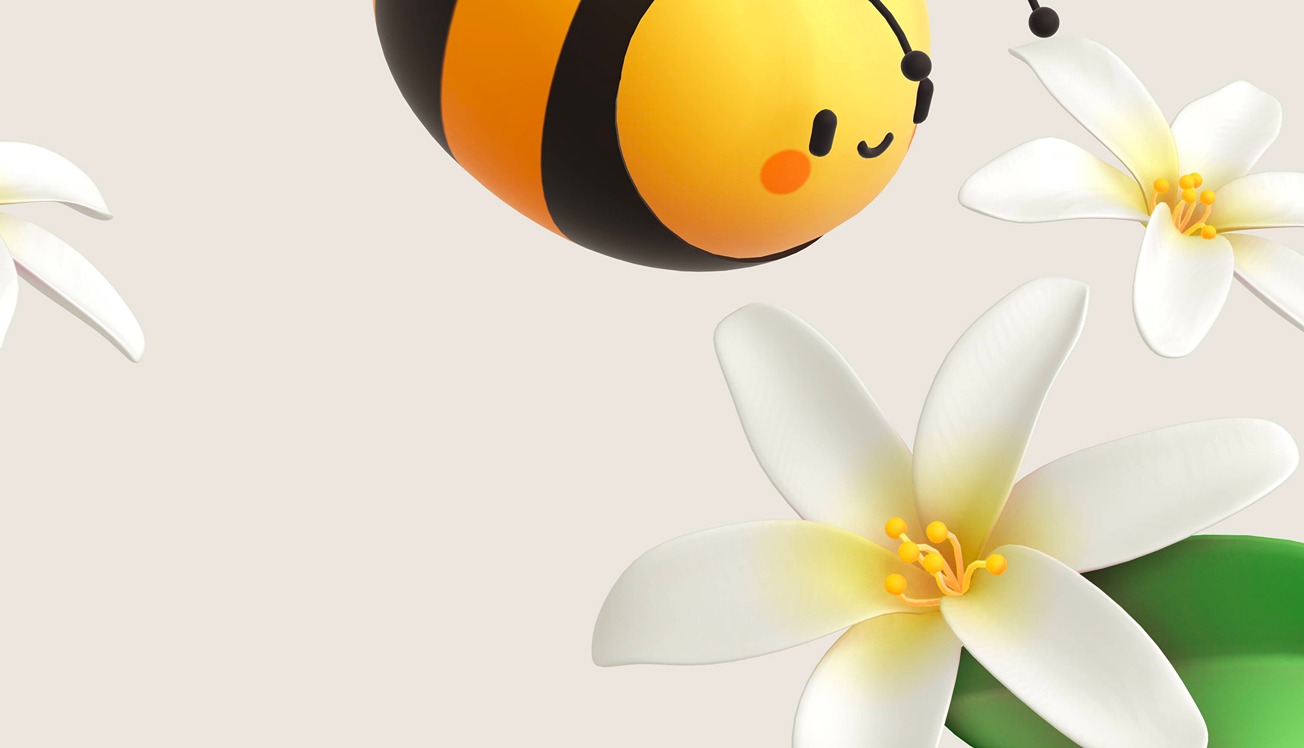
Welcome back! 🙌 In this video tutorial, we'll show you how to create an interactive experience using an adorable bee character. Check Spline: https://spline.design/
You'll learn how to create a looping animation for the bee's wings and eyes and implement an interactive transition effect that makes elements move or appear on the screen when buttons are clicked using the Mouse Down Event.
Download this 3D Bee and follow along with the tutorial.
🐝 Remix: https://app.spline.design/file/68152128-3ac0-4fdd-a941-1cdcbe075c43
Learn more about interactive events by checking out the Spline Docs! 📘 https://docs.spline.design/
Happy learning!