 Spline
如何在 Spline 中添加 3D 拖放交互 | 只需几次点击,让你的网站更上一层楼
Spline 3D入门5 分钟
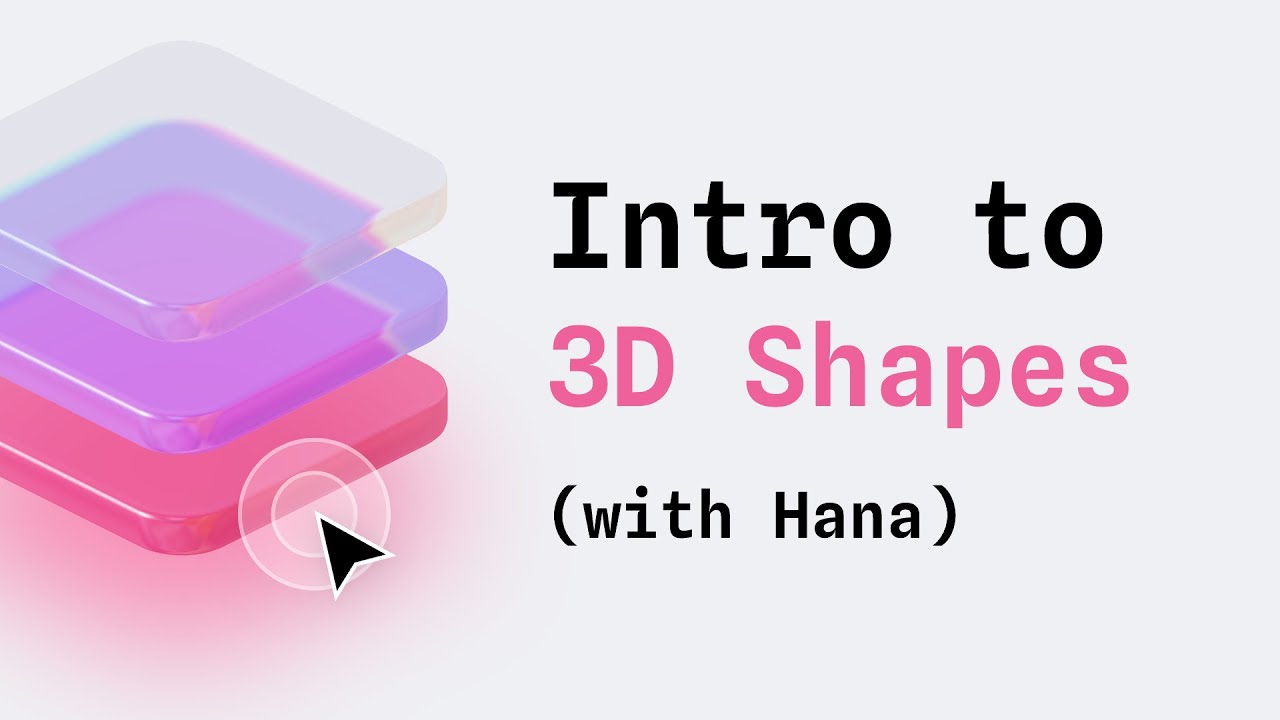
嗨!👋 在本视频中,我们将介绍 Drag & Drop 事件,以及如何把它应用到 3D 对象上,打造有趣的交互,让你的网页设计更出彩。
关于拖放的更多内容:https://youtu.be/g3sMaFsFJQ0 Spline 中的物理效果:https://youtu.be/NdBpmhGvvW0
本教程中的所有演示都来自 Spline 社区:
Interactive Cubes: https://app.spline.design/community/file/0a334154-4b23-4948-8bf3-0cda5cc8f5ce Interactive AI website: https://app.spline.design/community/file/02cb429e-740b-43c8-a4e6-97ee6de7f9f8 Balloon Experience:https://app.spline.design/community/file/1a12ce58-e8f7-4ae1-8a43-4b1527dab076 Drag and drop cube:https://app.spline.design/community/file/341cbe38-6a4a-4c2a-b1b0-074b0a643cf7 AI data Model Interaction : https://app.spline.design/community/file/e41b79f5-7a6d-4123-814b-7d2e60ce7c44 Heart Slider: https://app.spline.design/community/file/b7db4757-86e1-4969-8388-a6523eac85fa Glassy Jenga Game: https://app.spline.design/community/file/d1f798e0-68ce-4c08-897e-e286a7389a39 Liquid Glass : https://app.spline.design/community/file/3cbf0e6a-09c8-4b47-9560-c3ff84130086 Drag and drop landing page: https://app.spline.design/community/file/ac5d9027-dbce-430c-bf94-1f065a820932 Interactive light bulb: https://app.spline.design/community/file/bc8d9a75-772f-4e6a-8653-27ae6e111070 Sunrise Amount: https://app.spline.design/community/file/bf06da2c-30e4-4884-b95f-737572b788b0
💬 有问题?欢迎在下方评论区留言!
👍 别忘了点赞并订阅,获取更多 Spline 教程和最新动态
链接: 🌸 Hana → https://spline.design/hana 💖 Spline → http://app.spline.design 📚 Spline 文档 → https://docs.spline.design 👋 Spline 社区 → https://app.spline.design/community
我们的社交媒体: 📷 Instagram → / splinetool 🎵 TikTok → / splinedesign 💙 LinkedIn → / splinetool 🐦 X → / splinetool 👾 Discord → / discord